Unlocking Creativity Through Distraction-Free Apps in 2026
28 April 2026
Let’s face it: your phone is a slot machine, and you’re the chump pulling the lever. Every notification, every red badge, every dopamine-spiking like—it’s all designed to keep you hooked, not creative. By 2026, we’ve finally wised up. The digital noise has become so deafening that the only way to hear our own ideas is to mute the world. Enter distraction-free apps: the quiet rebels in a screaming tech landscape. These aren’t just tools; they’re mental sanctuaries. So, how exactly do these minimalist marvels unlock creativity? Grab a coffee (or tea, I don’t judge), and let’s dive into the 2026 playbook for reclaiming your brain.
Why 2026 Is the Year of the Digital Detox
Remember 2020, when we all thought Zoom fatigue was the worst? Cute. By 2026, we’ve layered on AI assistants, endless feeds, and notifications that ping for every minor update. It’s like trying to paint a masterpiece while a toddler throws glitter bombs at you. Creativity doesn’t thrive in chaos—it needs silence, boredom, and a bit of friction. That’s where distraction-free apps step in. They strip away everything except what matters: your work, your ideas, and your focus.The irony? We’re using technology to fight technology. But hey, sometimes you need a hammer to fix a broken hammer. These apps are the digital equivalent of a monk’s cell—sparse, quiet, and ruthlessly efficient. In 2026, the most creative people aren’t the ones with the most tools; they’re the ones who use the fewest tools with the most intention.
The Real Enemy: Not Distraction, but Fragmentation
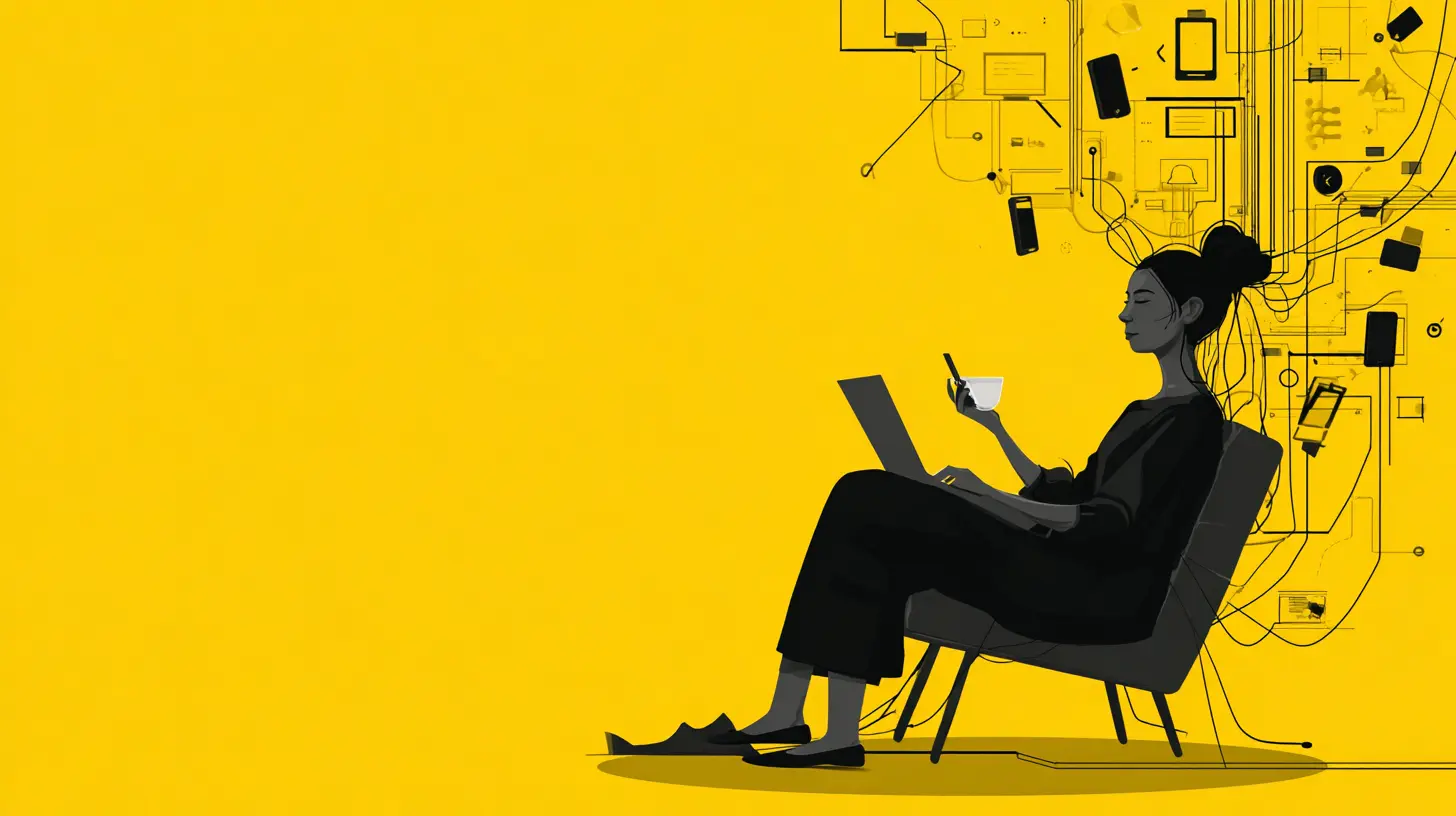
Here’s a thought: distraction isn’t the problem. It’s a symptom. The real villain is fragmentation. Your attention gets split into a thousand tiny pieces—email here, Slack there, TikTok over yonder. By the time you piece your focus back together, the creative spark has fizzled. Distraction-free apps solve this by creating unified focus zones. They’re like a velvet rope for your brain: only the VIP ideas get in.In 2026, these apps don’t just block websites. They create contextual silence. For instance, a writing app might hide your word count until you hit 500 words, because obsessing over metrics kills flow. A coding app might blur out all other windows, because every glance at a notification costs you 23 minutes of deep work (yes, that’s a real stat). Fragmentation makes you busy; unification makes you creative.
How Distraction-Free Apps Rewire Your Brain for Creativity
1. They Force You Into a State of “Flow”
Ever been so absorbed in a task that time disappears? That’s flow. It’s the holy grail of creativity. But flow is fragile—like a soap bubble in a hurricane of notifications. Distraction-free apps in 2026 are designed to induce flow. They use minimal interfaces, monochrome color schemes, and even gentle haptic feedback to nudge you into deep work.Think of it like this: your brain is a river. Distractions are rocks that break the current. A distraction-free app clears those rocks, letting the water run smooth and fast. Apps like OmmWriter or iA Writer have been pioneers, but 2026 versions use AI to predict when you’re about to lose focus and subtly adjust the environment—dimming the screen, playing white noise, or even locking you out of social media until you hit a creative milestone.
2. They Embrace Constraint as a Creative Catalyst
Weirdly, limitations boost creativity. Give a painter infinite colors, and they’ll mix mud. Give them three colors, and they’ll create a masterpiece. Distraction-free apps in 2026 embrace this paradox. They limit features, fonts, and even the number of characters per line to force your brain into problem-solving mode.For example, WriteRoom (which still rocks in 2026) offers a full-screen, typewriter-like interface. No bold, no italics, no formatting—just you and the text. It’s like writing with a quill: slow, deliberate, and deeply creative. The constraint isn’t a bug; it’s a feature. It forces you to think before you type, to weigh every word. That’s where the magic happens.
3. They Kill the “Multitasking Myth”
Let’s bust a myth: multitasking is a lie. Your brain doesn’t do two things at once; it switches rapidly, bleeding efficiency each time. Distraction-free apps in 2026 are built on a single-tasking philosophy. They allow you to run only one app in focus mode. Want to research and write? Too bad. You pick one.This sounds harsh, but it’s liberating. Imagine telling your inner perfectionist, “We only have one job right now.” The pressure drops, and creativity flows. Apps like Focusmate (which pairs you with a virtual accountability partner) or Cold Turkey (which locks you out of everything except your current task) are 2026 staples. They don’t just block distractions; they train your brain to resist them.
The Psychology Behind Distraction-Free Design
Why do these apps work? It’s not just about blocking Reddit. It’s about cognitive load reduction. Every visual element on your screen—a toolbar, a sidebar, a notification—adds mental weight. Your brain has to process it, even subconsciously. Distraction-free apps strip that weight away, leaving only the essential.In 2026, this design philosophy has evolved into “neural minimalism.” Apps now use adaptive interfaces that learn your habits. If you always get distracted after 30 minutes, the app might insert a brief meditation break. If you’re a night owl, it shifts to a warmer color palette to reduce eye strain. It’s like having a personal focus coach that lives in your pocket.
Case Study: The 2026 Creative’s Toolkit
Let’s get concrete. What does a distraction-free workflow look like in 2026? Meet Alex, a freelance writer and designer. Here’s her setup:- Writing: She uses iA Writer with “focus mode” on, which highlights only the current sentence. Everything else fades to gray. She sets a timer for 45 minutes, and the app locks all other functions until the timer ends.
- Design: For visual work, she uses Affinity Designer with a “zen mode” that hides toolbars. She sketches with a stylus on an iPad, but the app shuts off Wi-Fi to prevent temptation.
- Research: She uses Readwise to save articles, but only reads them in a stripped-down reader mode. No comments, no ads, no related posts.
- Communication: She uses Spark Mail with a “focus inbox” that only shows emails from key contacts. Everything else gets batched for a single daily check.
The result? Alex produces 40% more content in half the time. Her ideas are sharper because they’re not diluted by interruptions. She compares it to “cleaning your glasses before looking at the stars.”
The Dark Side: Can Distraction-Free Apps Be Too Distracting?
Here’s a twist: even distraction-free apps can become a distraction. In 2026, we’ve seen a rise of “focus-porn”—apps that are so beautifully minimalist that you spend more time admiring them than working. It’s the equivalent of buying a fancy notebook and never writing in it.The solution? Intentionality. Before you download an app, ask yourself: “Will this help me create, or will it help me feel like I’m creating?” The best distraction-free apps in 2026 are invisible. They fade into the background, like a good pair of glasses. If you’re fiddling with settings more than you’re working, ditch it.
How to Choose the Right Distraction-Free App for You
Not all distraction-free apps are created equal. Your creative process is unique, so the tool must fit like a tailored suit. Here’s a quick guide for 2026:- For writers: Look for apps with “typewriter mode” (where text scrolls from the center) and minimal formatting. Ulysses and Bear (now with offline-only modes) are top picks.
- For coders: Choose apps with “zen mode” that hide file trees and terminal output. VS Code has a “focus mode” extension that blurs everything except your current line.
- For visual artists: Apps like Procreate or Krita offer “full-screen canvas” modes that hide all UI. Pair them with a physical button that disables notifications.
- For planners: Use Notion or Obsidian with a “distraction-free” template that hides database views. Only show what you need for the next 25 minutes.
Pro tip: Test three apps for one week each. If one doesn’t feel like a second skin, move on. Your creativity deserves a tool that doesn’t demand attention.
The Future: Beyond Distraction-Free to Distraction-Proof
By 2027, we’ll likely see apps that not only remove distractions but predict them. Imagine an app that scans your calendar and pre-emptively blocks time for deep work, or one that uses biometric data (like heart rate) to detect when you’re most focused and adjusts accordingly. The goal isn’t just to keep you away from TikTok—it’s to create a creativity ecosystem that protects your mental space.But here’s the catch: no app can replace discipline. The best tool in the world is useless if you keep unlocking it. Distraction-free apps are training wheels, not a magic cure. You still have to choose to be creative. They just make that choice easier.
A Personal Note: Why I Switched
I’ll be honest: I used to scoff at distraction-free apps. “Just have willpower,” I thought. Then I spent a year writing with 15 browser tabs open, my phone buzzing, and Slack pinging. I produced 30,000 words of mediocre content. When I finally switched to a distraction-free setup (a simple text editor on a dedicated laptop with no internet), my output doubled, and my ideas got weirder—in a good way.It’s like the difference between trying to meditate in a nightclub versus a quiet forest. You can try to focus in the club, but the forest does the work for you. That’s what 2026 distraction-free apps offer: a mental forest where creativity can breathe.
The Bottom Line
Unlocking creativity in 2026 isn’t about finding the right app. It’s about finding the right absence of app. Distraction-free tools are the gatekeepers of your attention, letting only the good stuff through. They don’t make you creative—they get out of the way so your creativity can emerge.So, here’s my challenge: for one week, use nothing but a distraction-free writing app. No browser, no notifications, no multitasking. See what happens. You might be surprised by the ideas that surface when the noise fades. After all, creativity isn’t a lightbulb moment; it’s the quiet voice you hear when everything else shuts up.
all images in this post were generated using AI tools
Category:
Productivity AppsAuthor:

Gabriel Sullivan
Discussion
rate this article
2 comments
Galina Hunter
In a world where constant notifications pull us in every direction, the rise of distraction-free apps in 2026 offers a tantalizing promise. Can these digital sanctuaries truly reignite our creativity, or are they just a fleeting trend? The answer may lie in our willingness to disconnect...
July 13, 2026 at 3:02 AM
Gabriel Sullivan
It's all about commitment. If we truly embrace the pause and focus, these apps can guide us back to our creative roots. It's not just a trend; it's a potential shift in how we engage with our ideas.
Xena Riley
This article highlights how distraction-free apps in 2026 can enhance focus and foster creativity, revolutionizing productivity for users everywhere.
April 29, 2026 at 11:13 AM
Gabriel Sullivan
Thanks for your insight! I'm excited to see how these apps transform productivity and creativity in the coming years.