Gaming Mouse Showdown: Which One is Right for You?
15 March 2026
When it comes to gaming, every little advantage counts. We're talking about split-second reactions, lightning-fast clicks, and precision that would make a surgeon jealous. And let's be honest—your mouse is a critical part of that equation. But with so many gaming mice out there, how do you even start figuring out which one is right for you?
It's a jungle out there in the world of gaming peripherals, but don't worry. We're going to break it all down, so by the end of this article, you’ll know exactly what kind of gaming mouse fits your needs like a glove. Whether you're a competitive FPS player, a casual gamer, or someone who loves to immerse themselves in vast RPG worlds, there's a mouse made just for you.

The Importance of a Good Gaming Mouse
First things first—why not just use any old mouse? I mean, as long as it clicks and moves, it's good enough, right?Wrong!
A gaming mouse is like a finely-tuned sports car compared to your standard commuter vehicle. Sure, both will get you where you need to go, but one will do it faster, smoother, and with way more precision. In gaming, milliseconds matter. The right mouse can help improve your response time, provide better ergonomics, and give you access to features like programmable buttons that can turn the tide in your favor during intense gaming sessions.
So, let’s jump into the basics of what makes a gaming mouse stand out.

Key Factors to Consider
1. DPI (Dots Per Inch)
DPI is a big deal in the gaming world. In simple terms, DPI refers to how sensitive your mouse is to movement. The higher the DPI, the less you'll have to move the mouse to get the same amount of on-screen movement. Some gaming mice offer DPI settings that range from 200 all the way up to over 20,000.But higher isn't always better. If you're a sniper in a first-person shooter (FPS), you might prefer a lower DPI for more precise movements. On the flip side, if you're a fast-paced MOBA player, you might want a higher DPI for quicker, more reactive movements.
2. Polling Rate
The polling rate measures how often your mouse sends information to your computer. It’s usually measured in Hertz (Hz). Most standard mice have a polling rate of 125Hz, meaning they update the computer 125 times per second. Gaming mice can go all the way up to 1000Hz or more.While a higher polling rate means your mouse is more responsive, it also uses more CPU resources. But honestly, unless your computer is from the stone age, you're good to go for those higher polling rates.
3. Wired vs. Wireless
Ah, the age-old debate. Once upon a time, wireless mice were considered inferior for gaming due to latency issues. But technology has come a long way, and today’s wireless gaming mice can perform just as well as their wired counterparts, sometimes even better.- Wired Mice: No need to worry about battery life, and they tend to be slightly lighter since they don’t need a battery.
- Wireless Mice: Free movement without any annoying cable drag. Plus, newer models have incredibly low latency, making them perfect for high-stakes gaming.
It comes down to personal preference. If you're the type who hates being tethered to your desk, wireless might be the way to go. If you don’t mind the wire and prefer a more traditional feel, stick with wired.
4. Ergonomics
You don’t want to end up with a claw hand after a gaming marathon, right? The ergonomics of your mouse are super important, especially if you're gaming for long periods.- Palm Grip: If you like to rest your entire hand on the mouse, look for a mouse that has a broader, longer design.
- Claw Grip: If you prefer to arch your hand and only touch the mouse with your fingertips, opt for a smaller, more compact mouse.
- Fingertip Grip: If you use just the tips of your fingers to control the mouse, you’ll want something lightweight and nimble.
There are even gaming mice that are specifically designed for left-handed users or ambidextrous mice that can cater to both lefties and righties. Don’t forget to think about weight too—some mice come with adjustable weights so you can customize how heavy or light it feels in your hand.
5. Programmable Buttons
One of the best features of a gaming mouse is the ability to map certain actions to different buttons. Some mice come with just two extra side buttons, while others, especially those designed for MMO (Massively Multiplayer Online) games, can have up to 12 extra buttons.Imagine being able to cast spells or activate abilities with the click of your thumb rather than having to hunt and peck on your keyboard. It’s a game-changer, literally.
6. Customization & RGB Lighting
Okay, this one might be a bit more about style than function, but it’s still something a lot of gamers care about. Many gaming mice come with RGB lighting, customizable through software, that lets you tweak the colors and effects to match the rest of your setup.But customization doesn't stop at lighting. Some gaming mice allow you to fine-tune the DPI settings, change the weight, and even adjust the sensitivity of the buttons. If you're someone who likes to have complete control over your gear, these customization features are a huge plus.
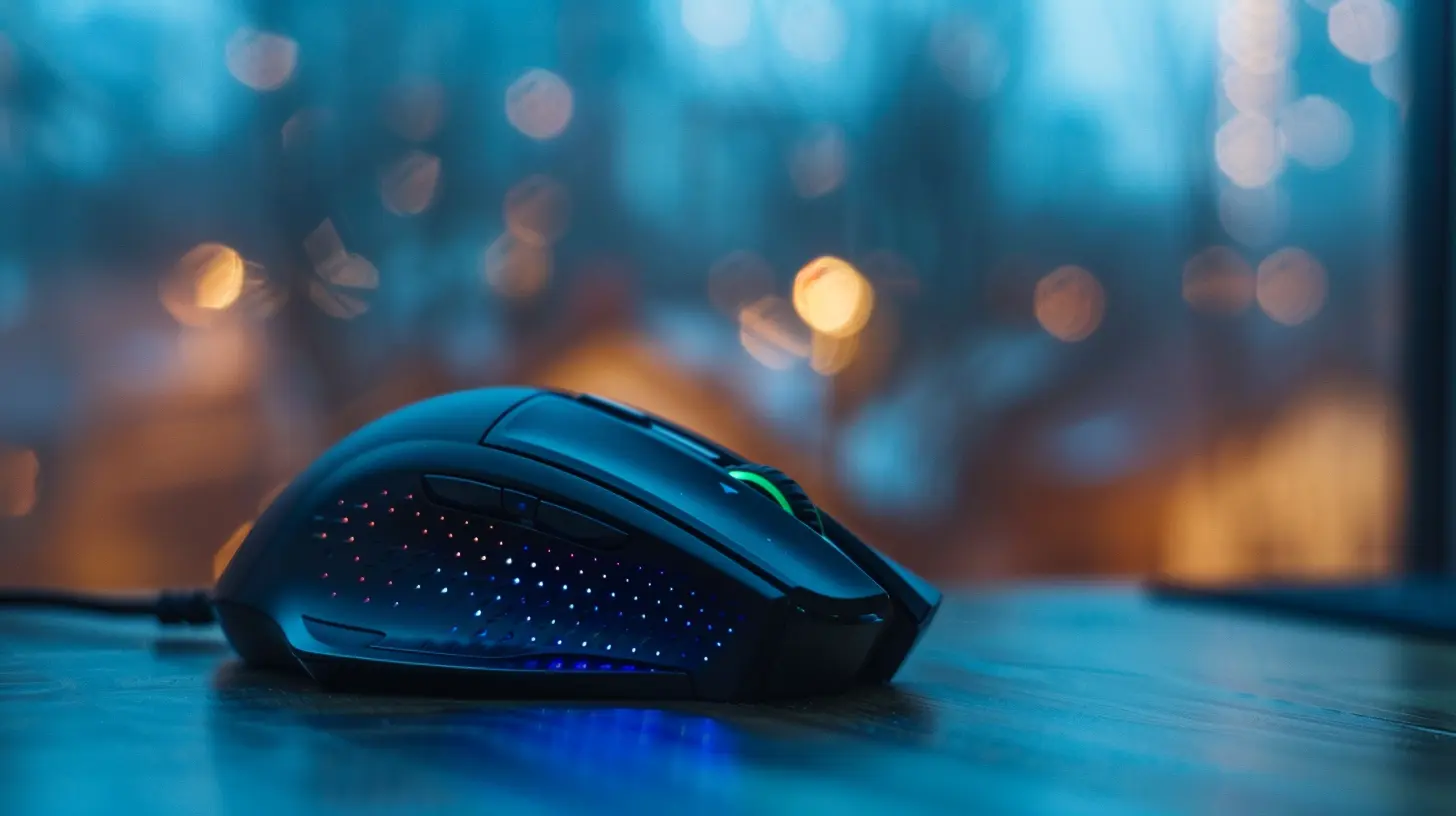
Gaming Mouse Showdown: Top Picks for Different Playstyles
Now that we’ve covered the key factors, let’s dive into some top gaming mice for different gaming styles. Remember, the best mouse for you will depend on the types of games you play and your personal preferences.1. FPS Gamers: Logitech G Pro X Superlight
If you're a competitive shooter fan, precision and responsiveness are your best friends. The Logitech G Pro X Superlight is designed with FPS gamers in mind. It weighs just 63 grams, which makes quick flick shots and fast movements easier than ever. Plus, its HERO sensor delivers exceptional accuracy with up to 25,600 DPI.The wireless connectivity is flawless, and the battery life is insanely long—so you won’t be worried about it dying mid-match. The minimalist design might not scream "gamer," but trust me, this mouse does the job and does it well.
2. MMO Gamers: Razer Naga Trinity
For the MMO crowd, having a ton of buttons at your thumb’s disposal is a blessing. That’s where the Razer Naga Trinity comes in. It features a modular side panel with three different layouts—2, 7, or 12 buttons—allowing you to switch things up depending on your game of choice.If you’re raiding in "World of Warcraft" or navigating complex skill trees in "Final Fantasy XIV," those extra buttons will become your go-to tools for quick actions and macros. Plus, Razer Synapse software makes customizing those buttons a breeze.
3. MOBA/Strategy Gamers: SteelSeries Rival 600
MOBA and strategy games require a mouse that balances precision with comfort, and the SteelSeries Rival 600 does that beautifully. Its dual-sensor system is remarkable, offering pinpoint accuracy without any jitter or drift.What really sets this mouse apart is its adjustable weight system. You can tweak the center of gravity to suit your grip perfectly, making it feel like an extension of your hand. Whether you're playing "League of Legends," "DOTA 2," or "StarCraft II," this mouse will keep you competitive and comfortable for hours on end.
4. Casual Gamers: Corsair Harpoon RGB Wireless
If you're someone who enjoys gaming but doesn’t need all the bells and whistles, the Corsair Harpoon RGB Wireless is an excellent choice. It’s affordable, lightweight, and offers wireless freedom with virtually no latency thanks to Corsair's Slipstream technology.At 10,000 DPI, it’s not the craziest mouse out there, but it’s more than enough for casual gaming. Plus, the RGB lighting adds a bit of flair without overwhelming your setup.

Final Thoughts: Which Gaming Mouse is Right for You?
At the end of the day, the best gaming mouse for you is the one that feels most comfortable in your hand and meets your specific gaming needs. Whether you’re a hardcore FPS player, an MMO enthusiast, or just someone who enjoys the occasional gaming session, there’s a mouse out there that will elevate your experience.Think about the types of games you play, your preferred grip style, whether you want wired or wireless, and how much you value customization. Once you’ve got those down, making a choice becomes a whole lot easier.
So, what’s it going to be? The sleek precision of the Logitech G Pro X Superlight or the button-packed versatility of the Razer Naga Trinity? The choice is yours, and trust me, the right mouse can make all the difference.
all images in this post were generated using AI tools
Category:
Review GuidesAuthor:

Gabriel Sullivan
Discussion
rate this article
2 comments
Sylvia McDaniel
Choosing the right gaming mouse depends on your grip style, game preference, and ergonomic needs. Prioritize comfort!
April 6, 2026 at 2:24 AM
Gabriel Sullivan
Absolutely! Comfort is key, and finding the right fit for your grip style can make all the difference in your gaming experience.
Quade Horne
Choosing the right gaming mouse is like selecting a wand for a wizard—each one offers unique powers that can make or break your game!
March 26, 2026 at 4:07 AM
Gabriel Sullivan
Absolutely! Just like a wizard's wand, the right gaming mouse can enhance your performance and provide a competitive edge. Choose wisely!