The Best Wi-Fi Extenders to Eliminate Dead Zones
4 October 2025
Is there anything more frustrating than losing Wi-Fi signal right when you’re about to win an online game or stream your favorite show? I mean, seriously, those dreaded Wi-Fi dead zones can ruin your day! Whether it's that one corner of your house where Netflix keeps buffering or that upstairs room where your Zoom call just won’t stop freezing, we’ve all been there. But don't worry, we've got a solution that doesn’t involve you standing on one leg while holding your router above your head. Let’s talk Wi-Fi extenders.
In this article, we will dive into the world of Wi-Fi extenders, explore how they work, and help you pick the best one to eliminate those pesky dead zones. Ready to boost your signal? Let’s get started.
What Is a Wi-Fi Extender?
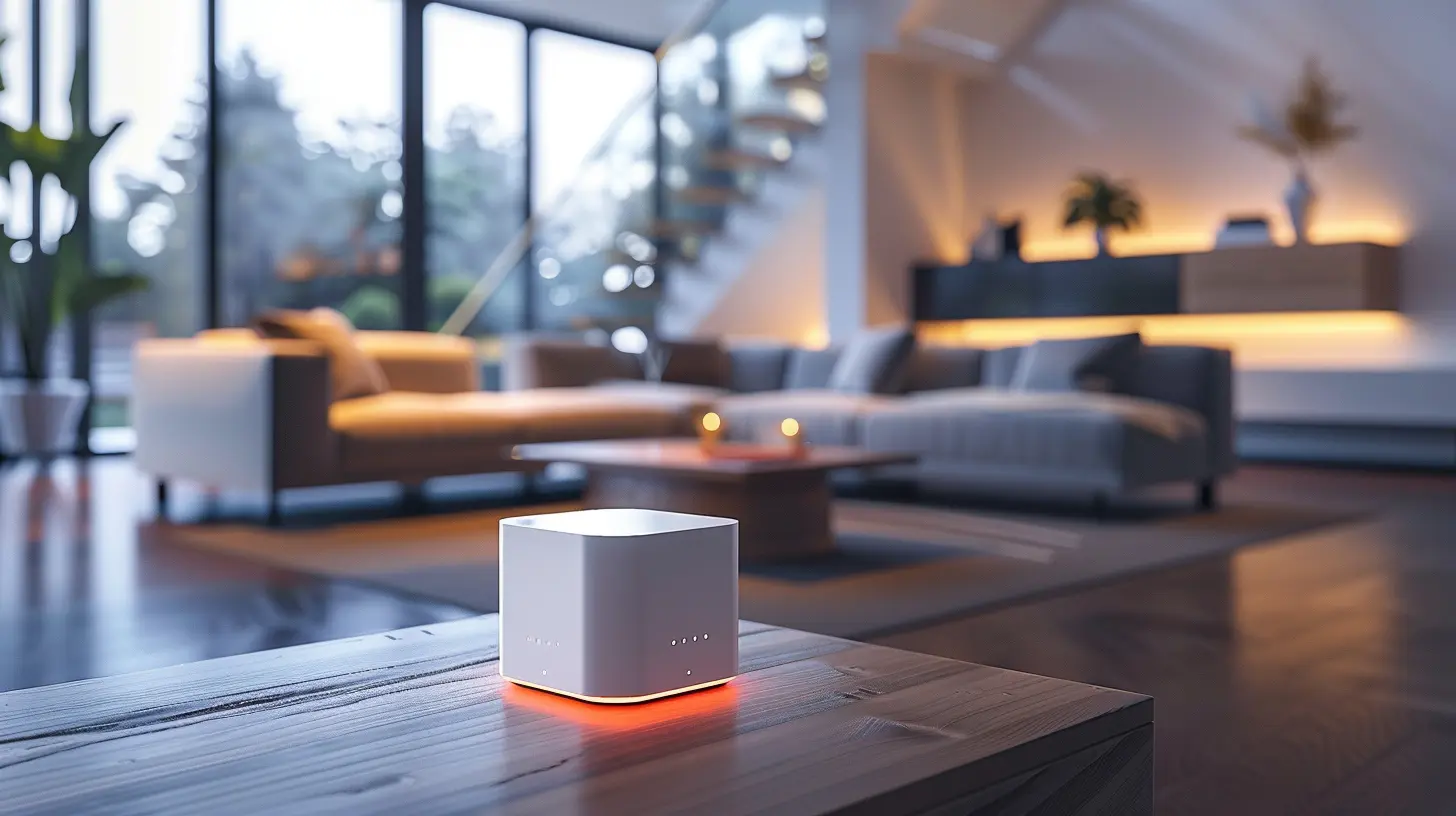
Before we jump into the best Wi-Fi extenders, let’s quickly cover the basics. A Wi-Fi extender (also known as a Wi-Fi booster or repeater) is a device that helps extend the coverage area of your wireless network. It works by receiving your router’s Wi-Fi signal and rebroadcasting it to areas of your home or office where the signal is weak or nonexistent.Think of your Wi-Fi extender as a middleman between your router and your devices. It grabs that struggling signal from your router, gives it a little boost, and then passes it on to your phone, laptop, or smart TV. Simple, right?
But not all Wi-Fi extenders are created equal. Some are better suited for large homes, while others are ideal for smaller apartments. So, how do you choose the right one? Keep reading, and we’ll break it down for you.

Things to Consider When Buying a Wi-Fi Extender
Before you rush out to buy the first Wi-Fi extender you see, there are a few important factors you need to consider to make sure you get the one that’s right for your needs.1. Compatibility
Not all Wi-Fi extenders work with all routers. Make sure the extender you choose is compatible with your router’s Wi-Fi standard. Most modern routers use either 802.11ac or the more advanced 802.11ax (Wi-Fi 6). If you have an older router, you might be using 802.11n. Check your router’s model and its supported Wi-Fi standard before buying.2. Wi-Fi Speed
While a Wi-Fi extender can help improve the range of your network, it’s important to remember that it can’t work miracles when it comes to speed. In fact, some extenders might cut your speed in half because they’re sharing bandwidth between your router and connected devices. Look for dual-band or tri-band extenders that can handle more devices and maintain stronger speeds.3. Coverage Area
How much area do you need to cover? If you live in a small apartment, a basic extender will probably do the trick. But if you have a large home with multiple floors, you’ll need something more robust. Check the extender’s coverage range to ensure it can cover the square footage you need.4. Ease of Setup
Let’s be honest – no one wants to spend hours setting up a Wi-Fi extender. Look for models that offer easy setup through an app or web interface. Many newer extenders even offer a WPS (Wi-Fi Protected Setup) button that allows you to connect them to your router with a single press.5. Price
Wi-Fi extenders come in a wide range of prices, from budget-friendly options to high-end models. While it’s tempting to go for the cheapest option, keep in mind that cheaper extenders may not offer the speeds or coverage you need. On the flip side, you don’t need to break the bank for a top-of-the-line model if you live in a small space.
The Best Wi-Fi Extenders to Eliminate Dead Zones
Now that you know what to look for, let’s dive into our top picks for the best Wi-Fi extenders. Whether you’re looking for something budget-friendly or a high-performance model, we’ve got you covered.1. TP-Link RE650 AC2600 Wi-Fi Extender
If you’re looking for a powerful extender that can cover a large area, the TP-Link RE650 is a fantastic option. It offers dual-band speeds of up to 2600 Mbps, which means it can handle 4K streaming, online gaming, and multiple devices without breaking a sweat.The RE650 also comes with four external antennas, which help extend your Wi-Fi signal more effectively across multiple rooms. Plus, it has MU-MIMO (Multi-User, Multiple Input, Multiple Output) technology, so it can communicate with several devices at once without slowing down.
Pros:
- Excellent coverage (up to 14,000 square feet)
- Fast speeds, ideal for 4K streaming and gaming
- Easy setup with the TP-Link Tether app
Cons:
- Bulky design
- On the pricier side
2. Netgear Nighthawk X6S EX8000 Tri-Band Wi-Fi Extender
The Netgear Nighthawk X6S is a beast of a Wi-Fi extender. With tri-band technology, it can deliver speeds of up to 3000 Mbps, making it perfect for homes with a ton of devices. Whether you’re streaming, gaming, or just checking your email, this extender can handle it all without sacrificing speed.The X6S also supports seamless roaming, so you can move around your home without dropping the connection. It’s essentially like having a mesh system without the high price tag. Plus, it’s compatible with most routers and offers easy setup with the Nighthawk app.
Pros:
- Tri-band technology for fast, reliable speeds
- Great for large homes with many devices
- Seamless roaming
Cons:
- Expensive
- Large and bulky
3. Linksys RE7000 Max-Stream AC1900 Wi-Fi Extender
If you’re looking for a more compact extender that still packs a punch, the Linksys RE7000 is a great choice. With dual-band speeds of up to 1900 Mbps, it’s more than capable of handling HD streaming and online gaming. It also features beamforming technology, which helps direct the Wi-Fi signal towards your devices for better performance.One of the best things about the RE7000 is its low-profile design. Unlike some of the bulkier extenders out there, this one plugs directly into an outlet and doesn’t take up much space. It’s perfect for smaller homes or apartments where space is at a premium.
Pros:
- Compact design
- Good speeds for streaming and gaming
- Affordable
Cons:
- Coverage range is more limited than larger models
- May reduce speed on some networks
4. D-Link DAP-1650 Wi-Fi Range Extender
The D-Link DAP-1650 is an affordable and reliable option for those who need to extend their Wi-Fi signal without all the bells and whistles. It offers dual-band speeds of up to 1200 Mbps, which is perfect for everyday internet use like browsing, streaming, and video calls.While it may not be the fastest extender on the market, it makes up for it with its simple setup and compact design. It also has four Ethernet ports, so you can connect devices like gaming consoles or smart TVs directly to the extender for a more stable connection.
Pros:
- Affordable price
- Simple setup
- Multiple Ethernet ports for wired connections
Cons:
- Slower speeds compared to more expensive models
- Limited range
5. Amazon eero 6 Mesh Wi-Fi Extender
While technically part of a mesh network system, the Amazon eero 6 can be used as a standalone Wi-Fi extender to boost your signal. It offers dual-band speeds and covers up to 1,500 square feet. Plus, it’s Wi-Fi 6 compatible, meaning it’s designed for faster speeds and more efficient performance with modern devices.The eero 6 is incredibly easy to set up and manage through the eero app, making it a great option for anyone who doesn’t want to deal with complicated installations. And if you decide you want to upgrade to a full mesh system later on, the eero 6 can easily be integrated into the setup.
Pros:
- Easy setup and management with the eero app
- Wi-Fi 6 compatible
- Compact and sleek design
Cons:
- Limited coverage compared to larger extenders
- Best suited for smaller homes
Final Thoughts: Which Wi-Fi Extender Is Right for You?
At the end of the day, the best Wi-Fi extender for you will depend on your specific needs. If you live in a large home with lots of devices, a high-performance model like the Netgear Nighthawk X6S or TP-Link RE650 is probably your best bet. But if you’re working with a smaller space or on a budget, a more compact option like the Linksys RE7000 or D-Link DAP-1650 should do the trick.Remember, no Wi-Fi extender can completely fix a bad internet connection. If your internet speed from your provider is slow, an extender won’t magically make it faster. However, it can help eliminate those frustrating dead zones and provide more consistent coverage throughout your home.
So go ahead and pick the extender that best suits your needs, and say goodbye to Wi-Fi dead zones for good!
all images in this post were generated using AI tools
Category:
NetworkingAuthor:

Gabriel Sullivan
Discussion
rate this article
1 comments
Astralis McCallum
Great article! Thank you for highlighting these Wi-Fi extenders. It's valuable information for anyone looking to enhance their home network and eliminate frustrating dead zones.
October 18, 2025 at 4:58 AM
Gabriel Sullivan
Thank you for your feedback! I'm glad you found the information helpful for improving home networks.