Essential Cybersecurity Tools for Remote Workers in 2027
6 May 2026
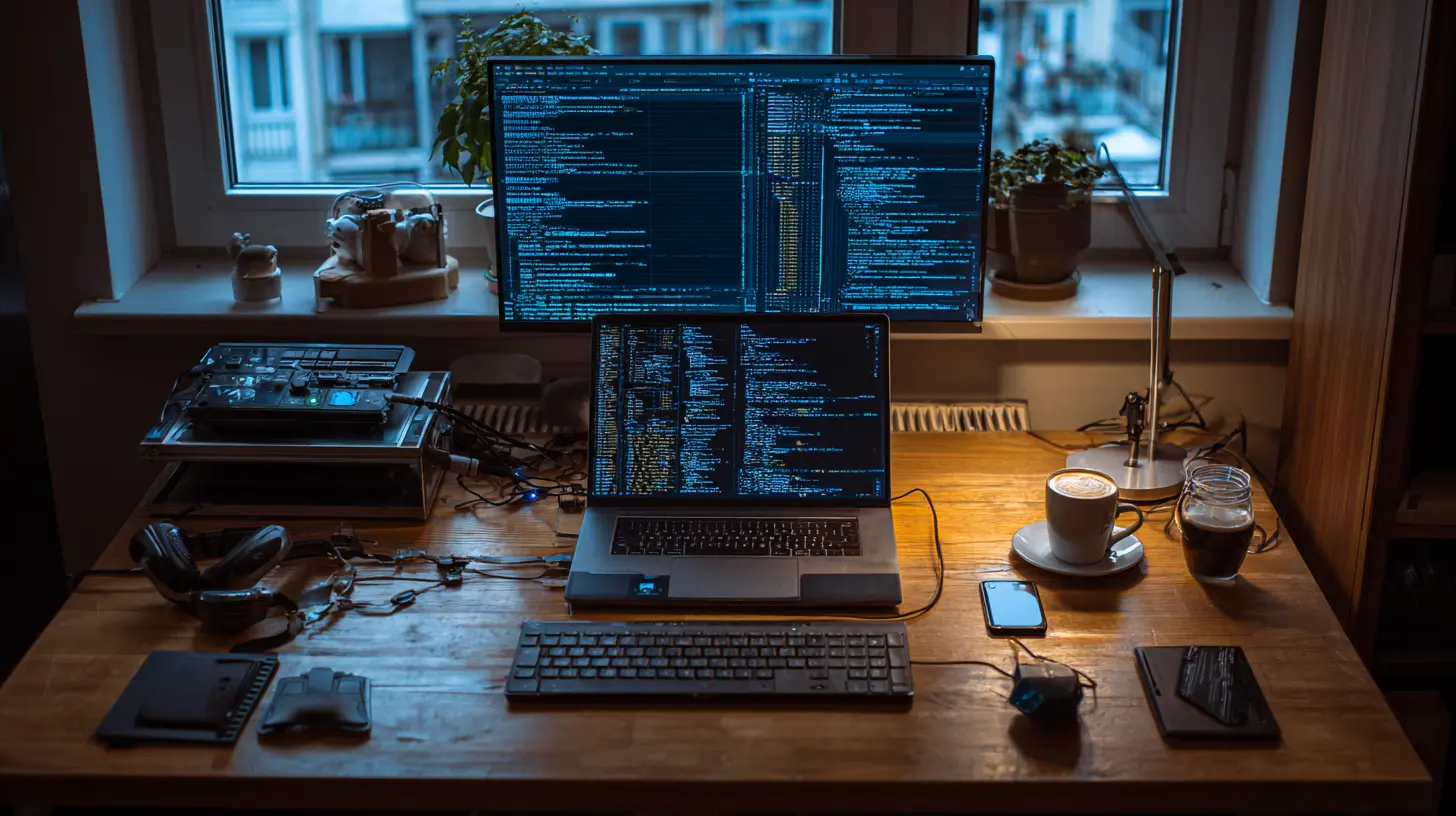
Let me paint you a picture. It's 3 AM, you're hunched over your laptop in your pajamas, coffee mug sweating onto a stack of papers, and suddenly your screen freezes. A red banner pops up: "Your files are encrypted. Pay 2 Bitcoin." That gut-drop feeling? That's what happens when you skip the basics. By 2027, the stakes are higher than ever. Remote work isn't a trend anymore; it's the default. And criminals know it. Your home office is their hunting ground. But here's the good news: you don't need to be a hacker or a sysadmin to protect yourself. You just need the right tools. Let's break down the essential cybersecurity tools for remote workers in 2027, because staying safe doesn't have to be complicated or boring.
Why 2027 Changes Everything
Think back to 2020. Remote work was a scramble. We used whatever VPN we could find, shared files over email, and prayed our webcams weren't hacked. Fast forward to 2027, and the landscape looks completely different. AI-powered phishing attacks are so convincing they'd fool your grandmother. Ransomware gangs operate like Fortune 500 companies, with customer support and payment portals. Even your smart coffee maker could be a liability. The old rules don't cut it anymore. You need tools that adapt, learn, and fight back in real time. This isn't about paranoia; it's about being smart. So, what's in your digital toolbox?
The VPN Is Dead. Long Live the Zero Trust VPN
Remember when a simple VPN was enough? Yeah, those days are gone. In 2027, a standard VPN is like using a paper umbrella in a hurricane. It might keep a little rain off, but it won't stop a determined attacker. Enter the Zero Trust Network Access (ZTNA) tool. Think of it as a bouncer who checks your ID, your mood, your heartbeat, and the weather before letting you into a club. ZTNA doesn't trust any device or user by default. It verifies everything, every single time.For remote workers, this is a game-changer. Tools like Twingate or Cloudflare Zero Trust are leading the pack. They create micro-tunnels to specific applications instead of opening your whole network. So if a hacker compromises your laptop, they can't just waltz into your company's database. They'd hit a wall. Plus, these tools are stupidly easy to set up. No more fiddling with OpenVPN configs or forgetting to turn it on. It just works. And in 2027, "just works" is a superpower.

Password Managers Aren't Optional Anymore
Let me ask you something. How many passwords do you have? Fifty? A hundred? And how many are "Password123!" or your dog's name? Be honest. In 2027, password reuse is like leaving your house key under the mat with a neon sign. Hackers use credential stuffing bots that try millions of stolen passwords per second. One reused password, and your work account, your bank, and your Netflix are all toast.A password manager like Bitwarden or 1Password is non-negotiable. These tools generate and store complex, unique passwords for every site. They also integrate with biometrics, so you unlock everything with your face or fingerprint. Some even offer passkey support, which is the future of logins. Passkeys are cryptographic keys that can't be phished. No typing, no remembering, no copying. Just a quick scan, and you're in. If you're not using one in 2027, you're basically asking for trouble. It's the single biggest bang for your security buck.

The Rise of Endpoint Detection and Response (EDR)
Your laptop is your fortress. But fortresses need guards. Traditional antivirus software is like a sleepy night watchman who only wakes up when a bomb goes off. It catches known threats but misses the sneaky zero-day attacks. In 2027, you need an EDR tool. Think of it as a hawk-eyed security team that lives inside your machine. Tools like CrowdStrike Falcon or SentinelOne watch for weird behavior. Did a program suddenly try to encrypt thousands of files? The EDR stops it, rolls back the changes, and alerts your IT team before you even notice.For remote workers, this is especially crucial because you don't have an in-house IT guy to tap on the shoulder. EDR tools run silently in the background, using machine learning to spot anomalies. They also provide visibility to your company's security operations center (SOC), so they can help you remotely. It's like having a guardian angel who's always awake, always watching, and never needs a coffee break.
Multi-Factor Authentication (MFA) Gets a Brain Upgrade
We all know MFA by now. You type your password, then get a text code, right? Wrong. In 2027, SMS-based MFA is basically a joke. Hackers can SIM-swap your number or intercept texts with cheap tools. The new standard is phishing-resistant MFA. That means hardware security keys like YubiKey or built-in platform authenticators (like Apple's Touch ID or Windows Hello). These devices use public-key cryptography. You physically tap a key or scan your face, and the authentication happens without sending any code over the network.Why does this matter? Because even if a hacker tricks you into visiting a fake login page, they can't steal your hardware key. It's like needing a physical key to open a vault instead of a combination that can be overheard. For remote workers, carrying a tiny USB key or using your phone's biometrics is a small habit that blocks 99% of account takeovers. Seriously, it's that effective.
Secure Browsers and Isolation
Your web browser is the front door to the internet. But in 2027, that door has a hundred windows, and some are cracked. Malicious ads, drive-by downloads, and browser extensions that steal your data are everywhere. You need a browser that treats every site like a potential threat. Tools like Brave or the new Edge with built-in security features offer strong tracking protection and sandboxing. But the real heavy hitter is browser isolation.Browser isolation runs web pages in a virtual container away from your actual device. Think of it like viewing a dangerous animal through a thick glass window. You can see it, but it can't touch you. Products like Cloudflare Browser Isolation or Menlo Security let you browse risky sites without worrying about malware. For remote workers who handle sensitive data, this is a lifesaver. You can open that suspicious email link without sweating. The isolation layer catches the attack before it reaches your machine.
Encrypted Communication Tools
Zoom bombing and Slack leaks are so 2021. In 2027, every message and call should be end-to-end encrypted by default. That means even the service provider can't read your chats. Signal is the gold standard for messaging, but for work, you might use Wickr or Wire. These tools encrypt everything: text, voice, video, and files. They also offer disappearing messages for sensitive conversations. Imagine sending a message that self-destructs after five minutes. That's not spy movie stuff; it's a real feature.Why do you need this? Because remote work means you're constantly sharing links, documents, and thoughts over chat. If a hacker intercepts that conversation, they could steal a project plan or a client's private data. Encrypted tools make that interception worthless. They scramble the data so only the intended recipient can read it. Plus, they're easy to use. No more "can you hear me now" nonsense. Just clean, secure communication.
Backup and Recovery: Your Safety Net
Let's talk about the worst-case scenario. Ransomware hits, your files are locked, and the attacker demands payment. What do you do? If you have a solid backup strategy, you laugh, restore your files, and move on. If you don't, you're in a nightmare. In 2027, backups aren't just about copying files to an external drive. They need to be immutable, meaning even you can't accidentally delete or encrypt them.Tools like Backblaze or IDrive offer continuous cloud backups with versioning. You can go back in time to a clean copy of your files. For local backups, consider a NAS device with a write-once-read-many (WORM) feature. The key is the 3-2-1 rule: three copies of your data, on two different media types, with one copy offsite. In 2027, automate this. Set it and forget it. When disaster strikes, you'll be the calm person sipping tea while everyone else panics.
Privacy Screen Filters and Physical Security
We focus so much on digital threats that we forget the physical world. A nosy neighbor, a coffee shop shoulder surfer, or even a family member glancing at your screen can leak sensitive info. In 2027, a privacy screen filter is cheap and effective. It's a thin plastic cover that makes your screen look black from any angle except straight on. You can work on a plane or in a busy cafe without worrying about who's looking.Also, lock your hardware. Use a cable lock for your laptop in public spaces. Enable "Find My Device" features. And for heaven's sake, don't leave sticky notes with passwords on your monitor. That's 1990s behavior. Physical security is the foundation. If someone steals your laptop, all the software in the world won't help if they can brute-force your login. So use a strong boot password and full-disk encryption like BitLocker or FileVault. That way, even if your laptop is stolen, the thief can't access your data without your credentials.
AI-Powered Phishing Detection
Phishing is the number one attack vector for remote workers. By 2027, these attacks are hyper-personalized. Hackers scrape your LinkedIn, your blog, and your social media to craft emails that sound exactly like your boss or your client. They might even use deepfake audio to call you. How do you fight that? With AI, of course. Tools like Abnormal Security or Proofpoint use machine learning to analyze email patterns, sender behavior, and language anomalies.These tools flag suspicious messages before you even see them. They can detect a fake invoice, a spoofed domain, or a urgent request that's slightly off. Think of it as a spam filter on steroids. For remote workers, this is a must-have. You're not expected to be a security expert. Let the AI do the heavy lifting. It learns your communication habits and spots the outliers. When it catches a phishing attempt, it quarantines it and sends you a simple alert: "Don't click this." That's peace of mind.
The Human Factor: Training and Awareness
Here's the truth. No tool is perfect if you click on everything. The best security investment you can make in 2027 is your own brain. But let's be real, you're busy. You don't have time to read 50-page security manuals. What you need is micro-training. Platforms like KnowBe4 or CyberHoot deliver short, engaging modules that teach you to spot red flags. They simulate phishing attacks so you can practice in a safe environment.Think of it as a fire drill for the digital world. You practice once, and when the real thing happens, your reflexes kick in. "Wait, this email asks me to wire money. That's weird." Training also covers things like secure Wi-Fi habits, public charging station risks (juice jacking), and social engineering tactics. In 2027, the most secure remote workers are the ones who combine great tools with good habits. Don't be the weakest link. Be the one who says, "I've seen this trick before."
Putting It All Together: Your 2027 Toolkit
So here's your checklist. A Zero Trust VPN. A password manager with passkeys. An EDR tool on your device. Phishing-resistant MFA (hardware key). A secure browser with isolation. Encrypted messaging. Immutable backups. A privacy screen filter. AI phishing detection. And a commitment to ongoing training. That sounds like a lot, right? But most of these tools run quietly in the background. You set them up once, and they protect you 24/7.The cost? Some are free, some are a few bucks a month. Compare that to the cost of a data breach: thousands of dollars, lost clients, ruined reputation, and sleepless nights. The math is simple. In 2027, cybersecurity isn't a luxury. It's a job requirement. And honestly, it's empowering. When you know you're protected, you can focus on what matters: doing great work, collaborating with your team, and maybe even enjoying that 3 AM coffee without fear.
So go ahead. Update your tools. Lock down your setup. And sleep a little better tonight. The digital world is wild, but you've got the gear to tame it.
all images in this post were generated using AI tools
Category:
Home Office TechAuthor:

Gabriel Sullivan
Discussion
rate this article
2 comments
Marissa Roberson
Great insights for a secure future!
July 27, 2026 at 3:01 AM
Lena Hill
Great insights! With the rise of remote work, these tools will definitely help keep our digital lives safe and sound in 2027.
May 6, 2026 at 2:37 AM
Gabriel Sullivan
Thank you! I'm glad you found the insights helpful. Staying secure is more important than ever, especially with remote work on the rise.