Network Topology Explained: Choosing the Right Setup
14 January 2026
In today's ultra-connected world, whether you're setting up a home office or managing a sprawling enterprise network, understanding network topology is kind of like being handed the blueprint to digital civilization. It’s the silent architect that determines how devices communicate, how fast data travels, and even how secure your system is.
But hey, I get it—network topology sounds like one of those intimidating phrases that only seasoned IT pros throw around. Don’t worry. We're breaking it down in everyday terms, so by the end of this article, you’ll be talking about mesh, star, and hybrid topologies like a seasoned techie.
Let’s dive in and figure out how to choose the right setup for your needs.
What is Network Topology Anyway?
At its core, network topology is just a fancy term for how your devices (computers, routers, printers, etc.) are connected and how data moves between them. Imagine your network as a city. The topology is basically the road map—the layout of streets, intersections, and highways that determine how information gets from Point A to Point B.It’s not just about the physical connections (though those matter too)—we’re also talking about the logical flow of data. And trust me, choosing the right one can make or break your network’s efficiency.
Why Does Network Topology Matter?
Think of it like building a house. If the plumbing or wiring is set up all wrong, it’s not just inefficient—it can be catastrophic. The same logic applies to a network. A bad setup could mean slower speeds, more downtime, and greater vulnerability to attacks.So, whether you're a business owner, a student working on a tech project, or just a curious mind, knowing which topology to go with isn't just helpful—it’s essential.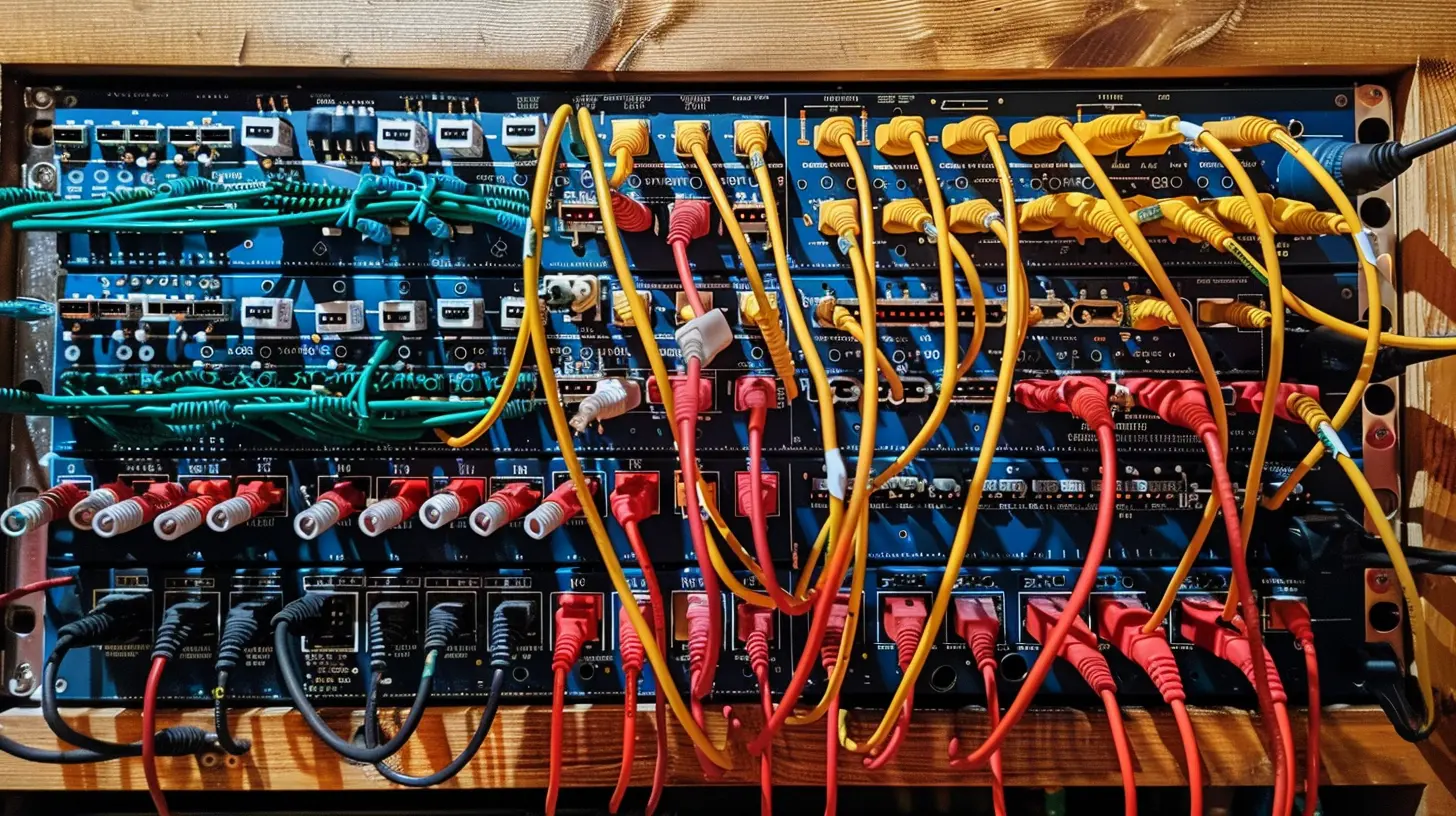
Types of Network Topologies
Let’s get to the meat of it. There are several types of network topologies, and each comes with its own set of pros and cons. Here's the lowdown on the most common ones:1. Bus Topology
Imagine a single central cable, like a spine, connecting all your devices. That’s a bus topology.✅ Pros:
- Super simple to set up- Requires less cable (aka cheaper)
❌ Cons:
- Not great for large networks- One break in the cable? The whole system can crash
Bus topology is kind of like a public bus route—cheap and functional, but not ideal for rush hour traffic.
2. Star Topology
In this setup, all devices connect to a central hub (think of it like the sun, and all devices are planets orbiting around).✅ Pros:
- Easy to add or remove devices- Strong performance under load
- One device failure doesn’t crash the whole network
❌ Cons:
- The hub is a single point of failure- Can be expensive due to the number of cables needed
This one’s a fan favorite for small- to medium-sized networks—reliable and straightforward.
3. Ring Topology
Here, each device connects to exactly two other devices, forming a circular data path.✅ Pros:
- Predictable performance- Easy to manage and troubleshoot
❌ Cons:
- If one connection breaks, the whole ring can be disrupted- More complex than a bus or star layout
Picture kids playing “telephone” in a circle—if one kid forgets the message, chaos.
4. Mesh Topology
This one goes all out. Every device connects to every other device. Total redundancy.✅ Pros:
- Extremely reliable and fault-tolerant- High performance and security
❌ Cons:
- Insanely expensive and complicated- Hard to scale
Great for big organizations where downtime is a deal-breaker.
5. Tree Topology
This is essentially a hybrid of star and bus topologies. A hierarchy of nodes connected via central lines.✅ Pros:
- Scalable- Easy to manage
❌ Cons:
- Complex to design- If the backbone fails, large sections can go down
Think of it like a company org chart—boss at the top, branches leading to different departments.
6. Hybrid Topology
Exactly what it sounds like—a mix of two or more topologies to suit specific needs.✅ Pros:
- Highly customizable- Combines the best of multiple setups
❌ Cons:
- More expensive- Needs careful planning
Ideal when one size doesn’t fit all. Hybrid topologies are the Swiss Army knife of networks.
Choosing the Right Network Topology
Alright, so now you know the options. But how do you actually pick one?Here are a few things to consider:
🔹 1. Network Size & Scale
How many devices are you connecting? A tiny office might do just fine with a star topology, but a large university needs something more robust—like a hybrid mix.🔹 2. Budget
Cables, hardware, and installation costs add up quickly. Mesh and hybrid topologies offer great benefits—but at a price. If you're on a budget, bus or star might be smarter.🔹 3. Speed & Performance
Is your network going to handle high traffic or big data transfers? If performance is top priority, mesh and ring topologies can keep things zippy.🔹 4. Fault Tolerance and Reliability
If every second of downtime costs your business money, you need a topology that offers redundancy—like mesh or hybrid.🔹 5. Ease of Maintenance
Smaller setups should prioritize simplicity. Star and tree topologies make it easier to identify and fix problems fast.Network Topology in Real Life: Which Industries Use What?
Let’s put this into context with some real-world use cases:🏢 Small Offices
Usually go for Star topology. It’s affordable, easy to install, and just makes sense when you’re only connecting a handful of computers and printers.🏫 Schools and Universities
Often use Tree or Hybrid topologies, as they need to segment different departments but still maintain a central control.🏦 Financial Institutions
Tend to go with Mesh topology. Why? Because downtime or data breaches can cost millions.🏠 Smart Homes
A Star or Mesh setup works great depending on how many smart devices you’re running. For a basic setup, star is fine. Got 30 devices talking to each other? You’ll want a robust mesh.Wired vs. Wireless Topologies
Here's where it gets a bit twisty. All the topologies we talked about can be wired or wireless, or sometimes a little of both.Wireless networks introduce their own quirks—like interference and signal range—but the core layout principles still apply. That said, wireless mesh networks are becoming more popular in homes and small businesses because they offer solid coverage without running cables everywhere.
Tips for Designing Your Network Topology
Before you start buying routers and running cables, keep these tips in mind:- Map it out: Use diagrams to visualize your topology. It’ll save you headaches later.
- Plan for growth: Whatever you build today should be able to handle tomorrow’s needs.
- Document everything: Label cables, note IP addresses, and keep a digital blueprint.
- Test before finalizing: Do small pilots to see how things perform.
- Don’t skimp on quality: Cheap hardware = future problems. Invest wisely.
Common Mistakes to Avoid
Let’s save you from a few “oops” moments:- Overcomplicating things: Stick to what you need. Don’t build a mesh if a star will do.
- Ignoring scalability: You might only have 5 devices now, but what about next year?
- Neglecting security: Topology affects how easily a breach can spread. Don’t forget firewalls and segmentation.
- Not considering backup plans: What happens if the central hub fails?
The Future of Network Topology
So, what’s coming down the line? With IoT, AI, and 5G entering the spotlight, network topologies are evolving. Dynamic, self-healing networks will be the new normal. Think of them like living organisms—constantly adjusting to keep everything running smoothly.We're also seeing more cloud-based topologies, where the physical layout matters less because devices connect through the cloud. Software-defined networking (SDN) is rewriting the rules entirely with centralized control.
Exciting stuff, right?
Final Thoughts
Network topology might seem like a dry, geeky subject—but it’s the very foundation of how we stay connected. Whether you're setting up a cozy home network or deploying enterprise-level infrastructure, getting the topology right is crucial.Start simple. Think about your specific needs, and don’t be afraid to scale. Like any good system, your network should grow with you, not hold you back.
So, ready to map out your own digital city?
all images in this post were generated using AI tools
Category:
NetworkingAuthor:

Gabriel Sullivan
Discussion
rate this article
2 comments
Taryn McCollum
Choosing the right network topology is like picking the perfect pizza—everyone has their favorite, but if you don’t get it right, you’ll be left with toppings you hate!
March 1, 2026 at 12:52 PM
Gabriel Sullivan
Great analogy! Just like pizza, the right network topology should suit your needs to ensure a satisfying experience.
Rhea Pacheco
Great article! Understanding network topology can really make a difference. It's like choosing the best route for your data to travel efficiently!
January 20, 2026 at 5:40 AM
Gabriel Sullivan
Thank you! I'm glad you found it helpful. Choosing the right network topology is indeed crucial for efficiency!