Preparing Data Centers for Natural Disasters: Resilience Strategies
5 January 2026
When you think of a data center, what comes to mind? Giant rooms filled with blinking servers, cables running like spaghetti, and a low, humming sound in the background? That's pretty accurate. But here's a question for you—what happens to all that tech when a hurricane hits, or a wildfire gets too close for comfort?
Data centers are the digital heartbeats of our modern world. From social media to banking, streaming videos to booking flights—everything runs through these hubs. Yet, despite all their technological prowess, data centers are just as vulnerable to Mother Nature as a beachfront home.
In this post, we're diving deep into how data centers can prepare for natural disasters like floods, earthquakes, hurricanes, and beyond. Buckle up—because when it comes to resilience, it's not just about staying online. It's about survival in the tech jungle.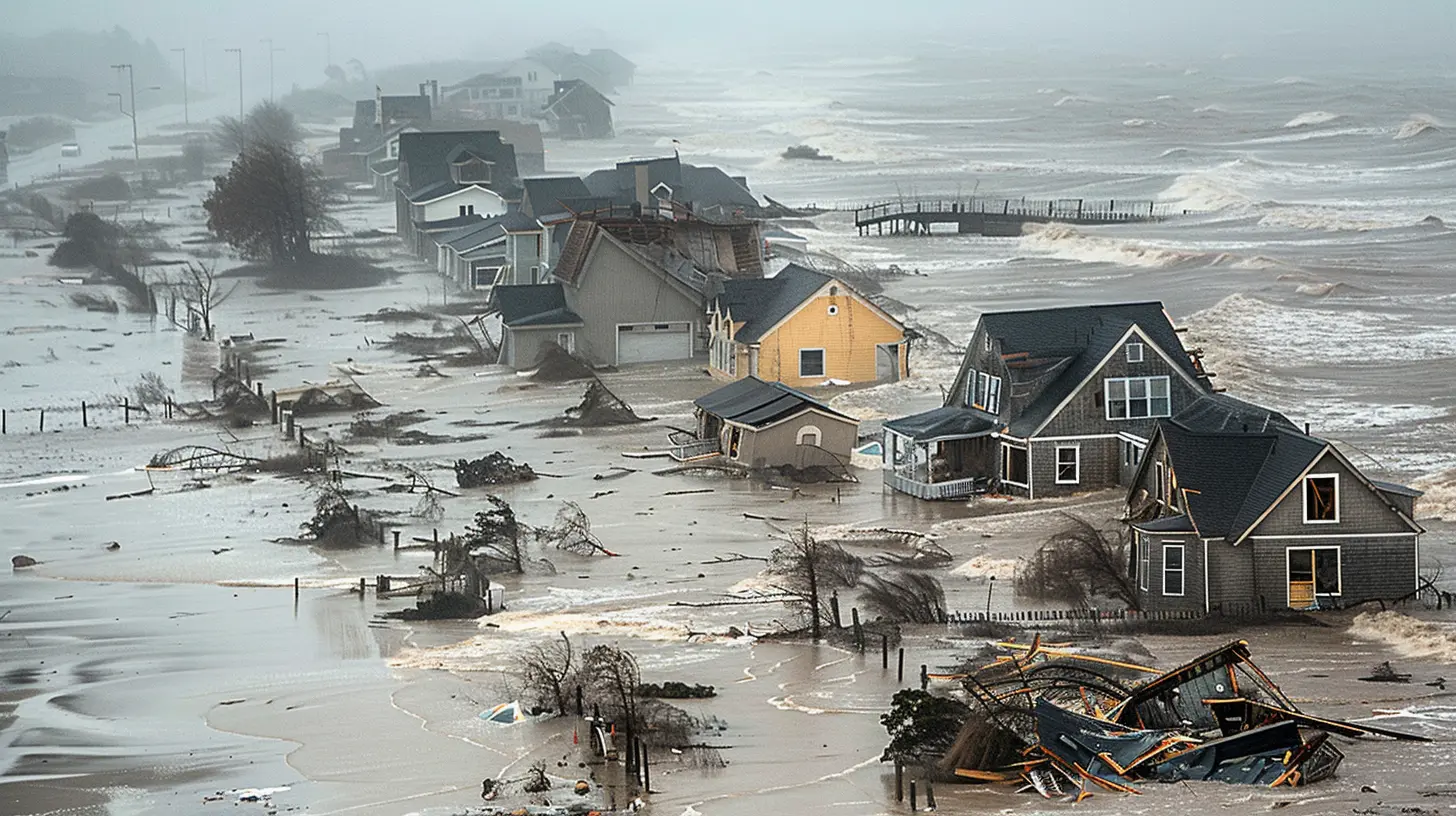
Why Natural Disaster Preparedness Matters for Data Centers
Let’s face it—weather is unpredictable. And with climate change stirring the pot, natural disasters are becoming nastier and more frequent. Think about this: a single minute of data center downtime can cost thousands, if not millions, of dollars. That’s not just IT talk—it’s bottom-line impact.Now imagine a worst-case scenario—say, a powerful earthquake takes out the local power grid. If the data center isn’t prepared, businesses could lose not just data, but also trust, customers, and revenue. It’s like trying to fly a plane with no wings.
So yeah, preparing for disasters isn’t just a “nice-to-have.” It’s mission-critical.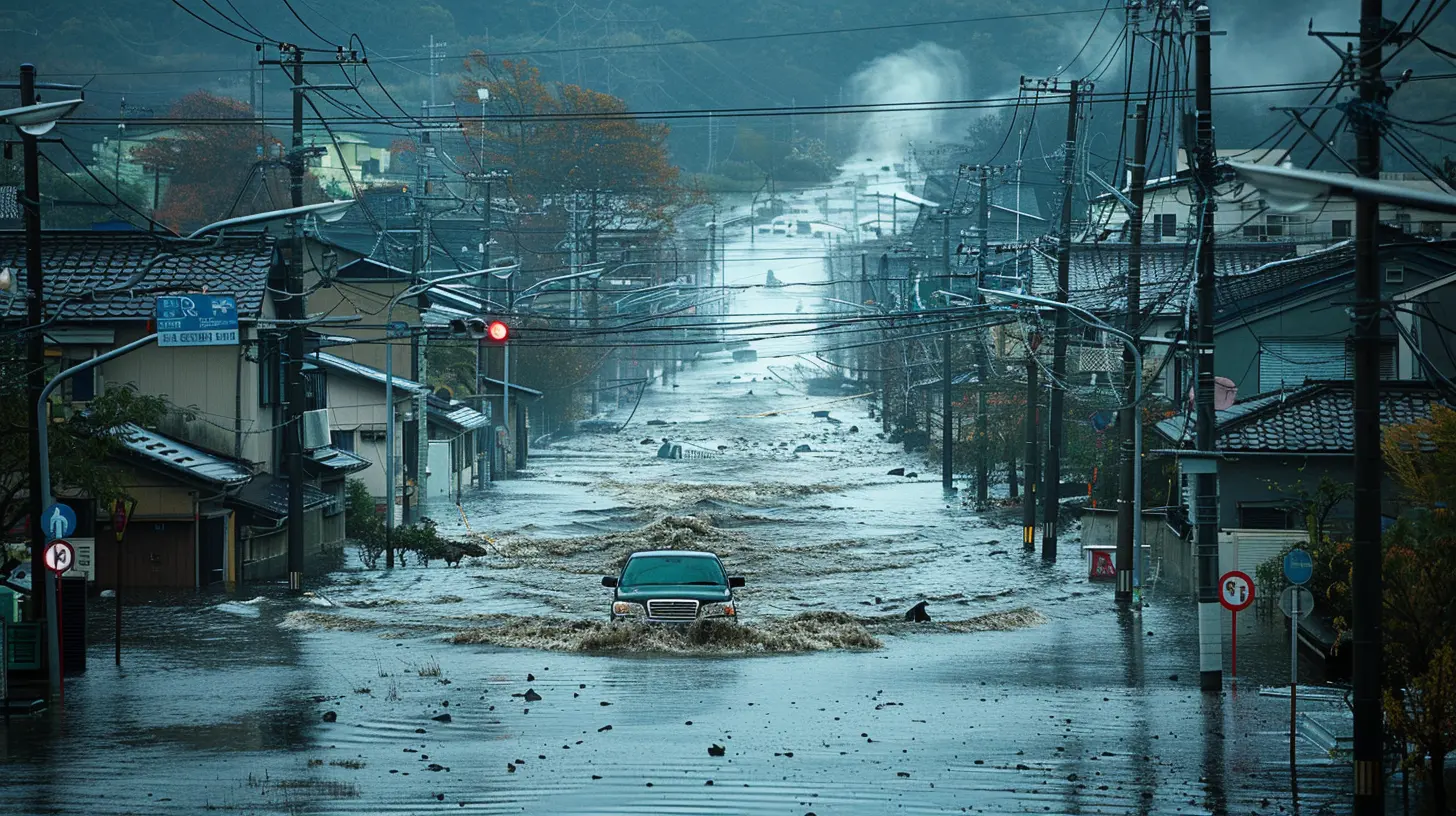
Risk Assessment: Know Thy Enemy
First things first—understanding what kind of natural threats you're dealing with. Every data center has a unique risk profile. For example:- A facility in California might brace for earthquakes.
- One in Florida? Hurricanes.
- Somewhere in Texas? Tornadoes and power grid failures.
- Pacific Northwest? Wildfires and floods.
So, ask yourself: What could realistically go wrong here? This isn't about guessing; it's about using historical data, climate models, and predictive analytics to map out potential threats.
Once you've got a sense of the risks, you can start building your bunker—figuratively (and sometimes literally).
Location, Location, and... Elevation?
You know how in real estate they say location is everything? The same goes for data centers. Putting a data center in a floodplain is like storing your prized vinyl collection in a leaky basement.Here’s what smart location choices look like:
- Away from coasts to reduce hurricane and flood risks.
- Not too close to fault lines (Sorry California, it's tricky).
- Higher altitudes or elevation so you’re not wading through water during a flood.
- Stable power grids with multiple energy sources.
Data center design starts with location, and picking the right spot can dodge 80% of the natural disaster havoc before it even begins.
Physical Infrastructure: Built Like a Fortress
Think of a data center as a medieval castle. You need thick walls, secure gates, and maybe even a moat (although modern moats look more like raised foundations and flood barriers). Here's what goes into disaster-proofing the physical structure:1. Seismic-Resistant Architecture
If earthquakes are a concern, the building needs to dance—literally. Seismic isolation pads help absorb shock and prevent structural damage.2. Flood Protection
Good drainage is a must. Many data centers now come with raised floors, waterproof barriers, and sump pumps that can eject water faster than it enters.3. Fire-Resistant Materials
Wildfires? Use fire-resistant roofing and walls. Also, maintain defensible space around the facility by clearing vegetation and potential fuel sources.4. Reinforced Power Systems
Backup generators should be housed in secure, weather-proof enclosures—ideally elevated or underground (but flood-safe). Regularly test them. The last thing you want is a dead generator at crunch time.Redundant Power and Connectivity: The Double (and Triple) Life
One of the golden rules of data center operations: Don’t rely on a single anything.Power Redundancy
- Dual power feeds from different utility companies if possible.- Backup generators with enough fuel to run for several days.
- UPS (Uninterruptible Power Supply) systems to bridge the gap between power loss and generator startup.
Network Redundancy
- Multiple internet providers, entering the building from different locations.- Load balancing systems that can reroute traffic automatically if one connection fails.
Redundancy isn't just a strategy—it’s a lifeline. One cable goes down? No problem. Backup’s already kicking in.
Disaster Recovery Plans: Your IT Lifeboat
If things truly go south, you need a plan—not a panic.Think of a DR Plan Like an Escape Room
You’re locked in a crisis, and every second counts. Do you know the steps to get out? Who does what? Where are the backups stored? How fast can you switch over to a secondary site?A good Disaster Recovery (DR) plan should cover:
- Backup frequency and storage (on-site, off-site, cloud-based).
- Failover procedures to another data center or cloud environment.
- Communication protocols (who calls who, and when).
- Regular testing and dry runs, like fire drills but with servers.
The key? Practice like you play. A DR plan sitting in a dusty binder is as good as no plan at all.
Staff Training: Your Human Firewalls
Let’s not forget—no matter how advanced the tech, it's people who run the show. Your team should be your first line of defense, not your weakest link.Train your staff to:
- Recognize early warning signs of different disasters.
- Follow evacuation and emergency protocols.
- Operate backup systems, switch networks, and initiate DR processes.
- Communicate effectively during crises.
Also, cross-train employees. If one person is out during a disaster, someone else should step in like a backup quarterback.
Monitoring Systems: Eyes on Everything
Would you drive a car with no dashboard? Of course not. Real-time monitoring is the dashboard of your data center.You need automated systems that keep tabs on:
- Temperature and humidity levels (too hot and things start to fry).
- Power usage and battery status.
- Fire detection and suppression systems.
- Security breaches and unauthorized access.
Plus, integrate early warning systems for natural disasters. Earthquake sensors, weather alerts, and automated incident reports can give you just enough time to act.
Cloud Integration: Your Digital Parachute
Here’s a nifty secret—data centers don’t have to do it all on their own anymore. The cloud has your back.Hybrid strategies that combine on-premise power with cloud flexibility can be lifesavers. If a physical data center goes down, cloud environments can take over almost seamlessly.
Benefits?
- Offsite backups that don’t go down with the building.
- Scalability during traffic spikes post-disaster.
- Rapid failover to other regions unaffected by the disaster.
It's like having a second home for your data, miles away from the storm.
Insurance and Compliance: The Safety Nets
Let’s keep it real—disasters cost money. And even the best-planned defenses can fail. That’s why having the right insurance and compliance certifications is crucial.- Insurance policies should cover not just physical damage, but business interruption, equipment loss, and data recovery.
- Compliance standards like ISO 27001, SOC 2, or HIPAA often include disaster recovery protocols—following them helps mitigate legal and reputational risks.
Think of it as the seatbelt of your disaster recovery car—not glamorous, but absolutely necessary.
Regular Audits and Continuous Improvement
So, the billion-dollar question—how often should you review your disaster preparedness strategy?Short answer: constantly.
Technology evolves. Natural disaster patterns change. What worked last year might be obsolete today. Perform regular audits and stress tests. Simulate disasters. Plug the gaps. And always—always—ask "what if?"
Staying resilient isn’t a one-time checklist. It’s a mindset.
Final Thoughts: Resilience is a Journey, Not a Destination
Let’s be honest—there’s no such thing as a perfectly disaster-proof data center. But with the right strategies, you can build one that bounces back stronger, faster, and smarter.No one wants to think about worst-case scenarios. But in the data world, hope won’t keep your servers running. Preparation will.
So, the next time the wind howls, the earth shakes, or the skies open up—ask yourself: is your data center ready to weather the storm?
all images in this post were generated using AI tools
Category:
Data CentersAuthor:

Gabriel Sullivan
Discussion
rate this article
2 comments
Haze McVicker
Just teach servers to swim; disaster-proofing 101 done right!
February 24, 2026 at 4:17 AM
Gabriel Sullivan
While teaching servers to swim may be humorous, implementing robust physical protections and disaster recovery plans is key to true resilience.
Juno Graham
A vital topic! Preparedness ensures safety and continuity in challenging times.
January 8, 2026 at 11:45 AM
Gabriel Sullivan
Thank you! I agree—preparedness is key to maintaining operations and safeguarding data during disasters.