Multi-Device Charging Stations: A Review of the Top Picks
19 December 2025
Let’s be real—how many devices do you have charging at this very moment? Your phone? Tablet? Smartwatch? Maybe even wireless earbuds? It’s like we’re living in a tangled jungle of charging cables! If you’re tired of this tech mess, you're not alone. That’s where multi-device charging stations come to the rescue.
These charging stations are not only a huge time-saver but also the unsung heroes of modern households and workspaces. In this deep-dive review, we’ll uncover the best multi-device charging stations of the year—breaking down what makes them awesome, how many devices they can handle, and why they deserve a spot on your desktop, nightstand, or kitchen counter.
So, grab a cup of coffee (or tea, we don’t judge), and let’s plug into the world of multi-device charging stations!
Why You Need a Multi-Device Charging Station (Like, Yesterday)
Let’s cut to the chase—charging one device at a time is so 2010. Think about it:- 📱 Your phone's at 12%
- ⌚ Your smartwatch is gasping for power
- 🎧 Your earbuds are silently screaming “Charge me!”
A multi-device charging station is the ultimate answer to this modern power struggle. It cleans up the clutter, keeps your tech organized, and ensures you’re never left with a dead battery when you need to dash out the door.
Whether you’re a parent juggling multiple gadgets, a techie with an arsenal of devices, or just someone who can’t stand the sight of tangled cords, a charging station is a game-changer.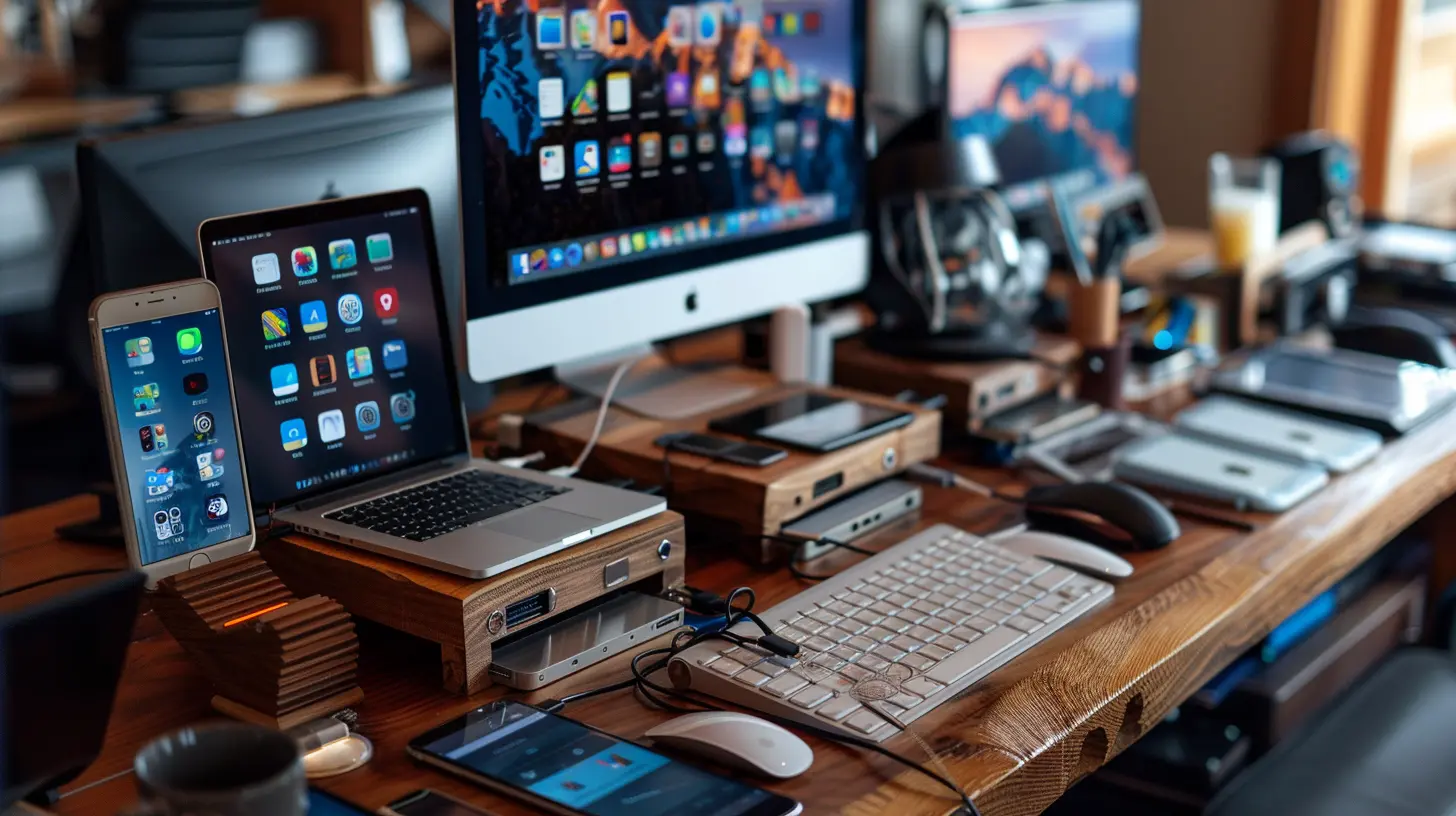
What to Look for in a Charging Station (Before You Add to Cart)
Okay, before we dive into the top picks, let’s cover what makes a charging station worthy of your hard-earned cash.Here are a few must-have features:
- Multiple Ports or Slots: Depending on your needs, make sure it can handle 3, 5, even 10 devices at once.
- Fast Charging Support: If it takes five hours to charge your phone, what’s the point?
- Compatibility: USB-C? Lightning? Micro-USB? A good station should handle them all with no fuss.
- Cable Management: Say goodbye to spaghetti wires.
- Build Quality: It should be sturdy, not flimsy plastic that melts under pressure (literally).
Now that we’ve nailed down the essentials, let’s jump into our favorite picks!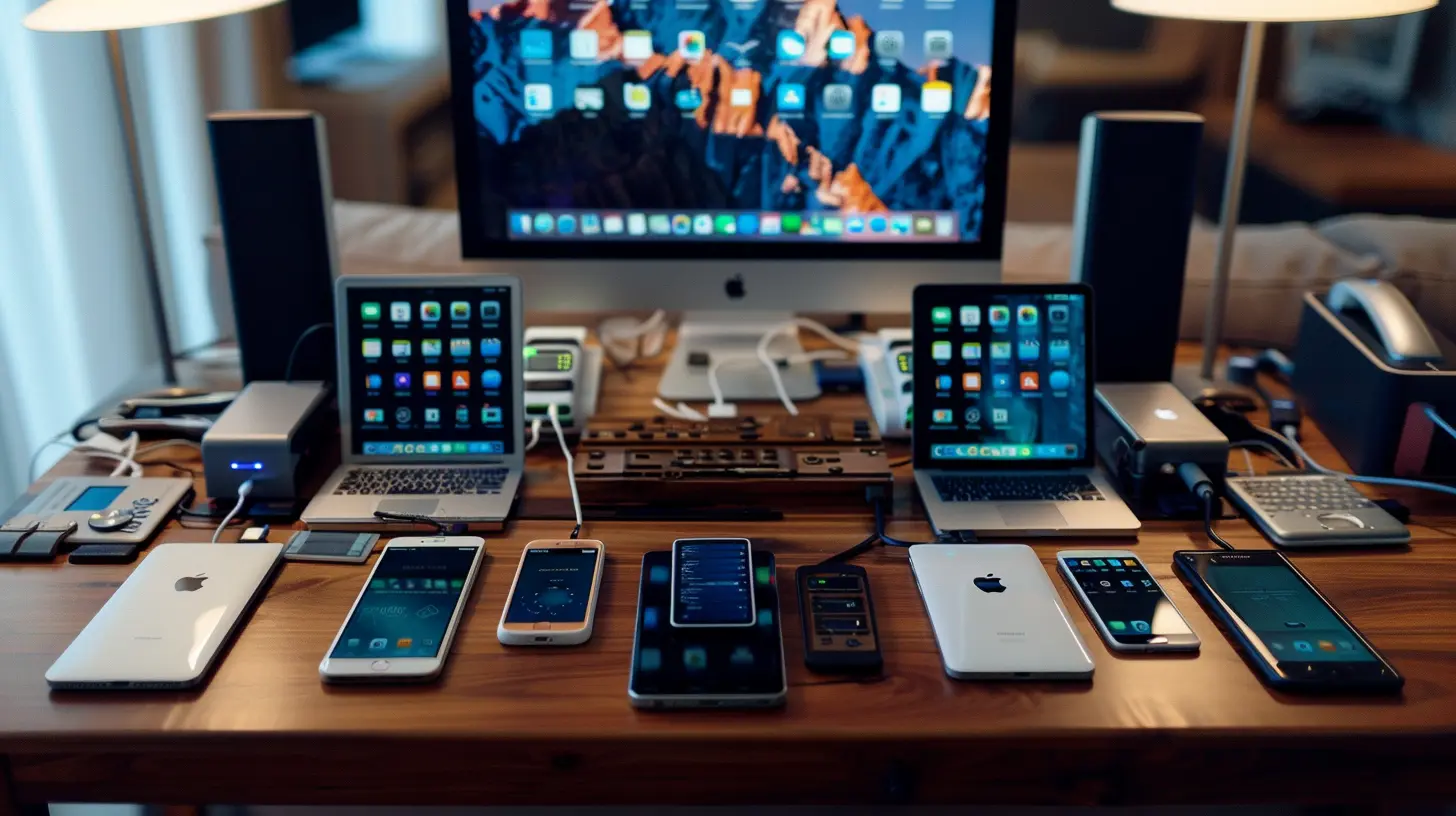
🔌 Top Multi-Device Charging Stations Reviewed (2024 Edition)
1. SIIG 90W Smart Charging Station
Best For: Families or small officesIf you’ve got a household of gadget lovers or a busy shared workspace, this station means business. With 10 USB ports (yup, ten!), the SIIG charging station is like a communal power buffet.
Why We Love It:
- 90W of total power to feed all your devices
- Smart IC chips auto-detect devices for optimal charging
- Comes with dividers to keep your gadgets upright and tidy
- Great value for the number of ports you get
Heads-Up: No wireless charging pad, but that’s a minor trade-off if you're after sheer quantity.
2. Anker 737 Power Station
Best For: Power users and travelersAnker is basically the Apple of portable power. The 737 is compact but mighty, with three ports that support high-speed charging—even for laptops!
Why We Love It:
- Ultra-fast charging with 140W output
- Two USB-C and one USB-A port
- Sleek, travel-friendly design
- Supports Power Delivery (PD) and Programmable Power Supply (PPS)
Heads-Up: With just three ports, it’s not for large families but perfect for on-the-go professionals.
3. Satechi Dock5 Multi-Device Charging Station
Best For: Minimalist homes and style-conscious usersStyle meets function in the Dock5. It’s basically the George Clooney of charging stations—classy, reliable, and well-put-together.
Why We Love It:
- Supports five devices: 2 USB-C, 2 USB-A, 1 wireless charging pad
- Non-slip dividers keep things neat
- Charges phones, tablets, headphones, you name it
- Sleek, modern design fits in any décor
Heads-Up: A bit on the pricey side, but you’re paying for premium aesthetics and performance.
4. Unitek 10-Port Charging Station
Best For: Gadget collectors and tech influencers (you know who you are)Ten ports? Check. Fast charging? Yep. Cable management? Absolutely. This beast is built for the gadget hoarder in all of us.
Why We Love It:
- LED indicators for each port (so satisfying)
- Includes 10 short USB cables
- Detachable dividers for customization
- Surge protection included!
Heads-Up: It’s a bit bulky, so make sure you've got the desk space.
5. Nomad Base Station Pro
Best For: Wireless puristsSick of plugging in cables? Nomad’s Base Station Pro sets itself apart with its FreePower™ technology, letting you place your device anywhere on the pad—no alignment needed.
Why We Love It:
- Charges three devices wirelessly at once
- Gorgeous leather and aluminum finish
- Totally cable-free experience
Heads-Up: Only supports wireless devices, so it’s not as flexible as other stations (but oh, so sleek).
6. Belkin BoostCharge Pro 3-in-1 Wireless Charger
Best For: Apple ecosystem loversIf you live and breathe Apple, this bad boy is your best friend. Designed specifically for iPhone, Apple Watch, and AirPods, it looks like something straight out of Cupertino.
Why We Love It:
- Official MagSafe charger for iPhone
- Fast charges Apple Watch Series 7 and above
- Super clean and compact footprint
- Charges 3 Apple devices simultaneously
Heads-Up: Not ideal for folks using Android or non-Apple gadgets.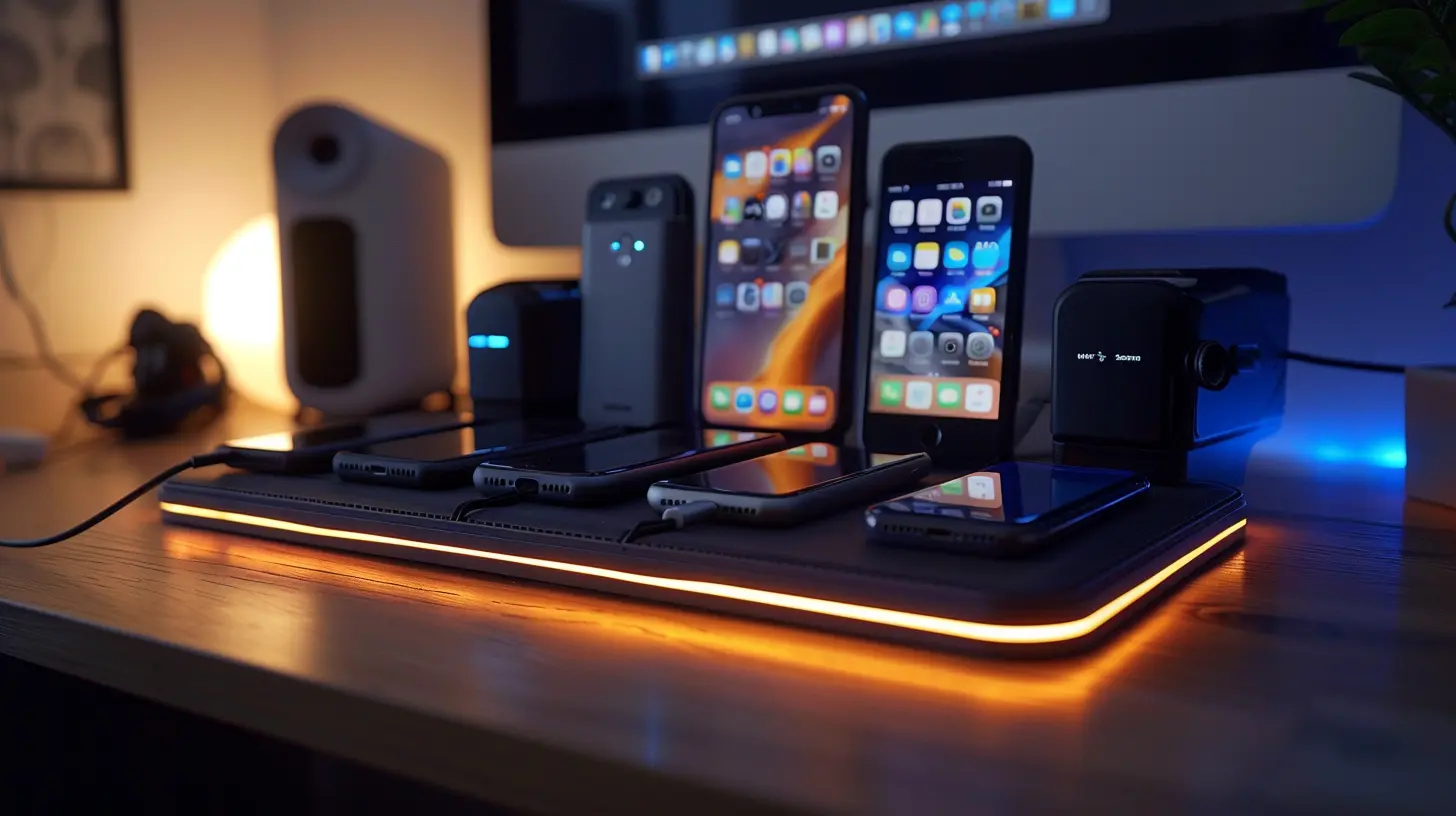
Wired vs. Wireless Charging Stations: Which One Rocks?
Here’s where it gets interesting. Some people swear by wireless charging pads, while others prefer the reliability and speed of good ol’ cables. So, what’s the deal?| Feature | Wired Charging | Wireless Charging |
|---------------------|----------------|-------------------|
| Speed | ⚡⚡⚡ | ⚡⚡ |
| Compatibility | ✅ Bigger variety | ❌ Limited to wireless-compatible devices |
| Portability | ✅ Easily moved | ⚠️ Usually stays in one place |
| Aesthetics | 😅 Cable-heavy | 😍 Minimal and clean |
Bottom line? Go with wireless if you’re all about style and convenience. Choose wired for speed and flexibility.
Tips to Get the Most Out of Your Charging Station
Alright, now that you've got your eye on the perfect charging station, here’s how to make the most of it:- Use Short Cables: Long cables = clutter. Grab some 6-inch ones for a cleaner setup.
- Label Your Cables: Especially helpful if you’re sharing with housemates or colleagues.
- Keep It in a Central Spot: Kitchen counter, hallway table, or shared office desk—easy access for everyone.
- Don’t Overload It: Most stations have power limits. Charging 10 iPads on a 60W station? Not ideal.
- Clean It Weekly: Dust + electronics = not the best combo.
The Final Spark: Which Station Should You Choose?
Choosing the best charging station really depends on your lifestyle. Are you a tech-laden family? The Unitek or SIIG will serve you well. A design geek with an eye for modern aesthetics? Go Satechi. Traveling all the time? Anker’s pocket-sized power brick is your best bet.Whatever your vibe, one thing’s for sure: investing in a solid multi-device charging station is like upgrading your junk drawer to a sleek tech valet. It’s functional, organized, and makes life a whole lot more convenient.
So go ahead—ditch the chaos and plug into simplicity.
Frequently Asked Questions (FAQs)
Q: Can I charge laptops using a multi-device charging station?
A: Some stations (like the Anker 737) support high-watt USB-C charging that can handle laptops. Always check the wattage output first.Q: Will charging multiple devices slow down speed?
A: Not with a quality station that supports smart charging. It allocates power intelligently so each device gets what it needs.Q: Are wireless charging stations safe for my phone?
A: Absolutely! Look for Qi-certified options for peace of mind—they’re built with safety in mind.all images in this post were generated using AI tools
Category:
Review GuidesAuthor:

Gabriel Sullivan
Discussion
rate this article
2 comments
Katherine McGrath
Multi-device charging stations: the unsung heroes of our tech-laden lives! This review highlights the best options to declutter your space while keeping your gadgets powered. A must-read for anyone tired of tangled cables and low battery alerts!
February 11, 2026 at 5:38 AM
Gabriel Sullivan
Thank you for your enthusiastic comment! I'm glad you found the review helpful in tackling the clutter and keeping your devices charged.
Dominic Martin
Great overview of the best multi-device charging stations! I appreciate the detailed comparisons, especially on charging speed and design. It's essential for our tech-driven lives to have efficient solutions. Looking forward to implementing one of these options for my workspace!
December 22, 2025 at 5:32 AM
Gabriel Sullivan
Thank you for your thoughtful comment! I'm glad you found the comparisons helpful. Efficient charging solutions are indeed crucial for our tech-filled lives. Happy charging!