Laptop Cooling Pads: Which Models Protect Your Device Best?
24 June 2026
Laptops are amazing tools, aren’t they? They offer portability, power, and convenience all in one sleek package. But, as great as they are, they also come with their fair share of problems. One of the biggest headaches? Overheating. If you're like most people, you’ve probably felt the bottom of your laptop turn into a mini furnace after a few hours of heavy use. Not exactly pleasant, right?
That’s where laptop cooling pads come to the rescue. These nifty devices act like a personal AC unit for your laptop, helping to keep temperatures under control and ensuring your machine performs at its best. But with so many models out there, how do you know which one is actually worth your money? Let’s dive into the world of cooling pads and figure out which models truly protect your device best.

Why Do Laptops Overheat?
Before we jump into cooling pads, it’s essential to understand why laptops overheat in the first place. Laptops are compact machines crammed with powerful components like CPUs and GPUs. When you’re gaming, editing videos, or running demanding software, these components generate heat. Add that to the fact that laptops have limited airflow due to their compact design, and you’ve got a recipe for overheating.Overheating can lead to performance throttling, random shutdowns, and in some extreme cases, permanent damage to your laptop’s internal components. That’s why keeping your laptop cool is so important.

How Do Laptop Cooling Pads Work?
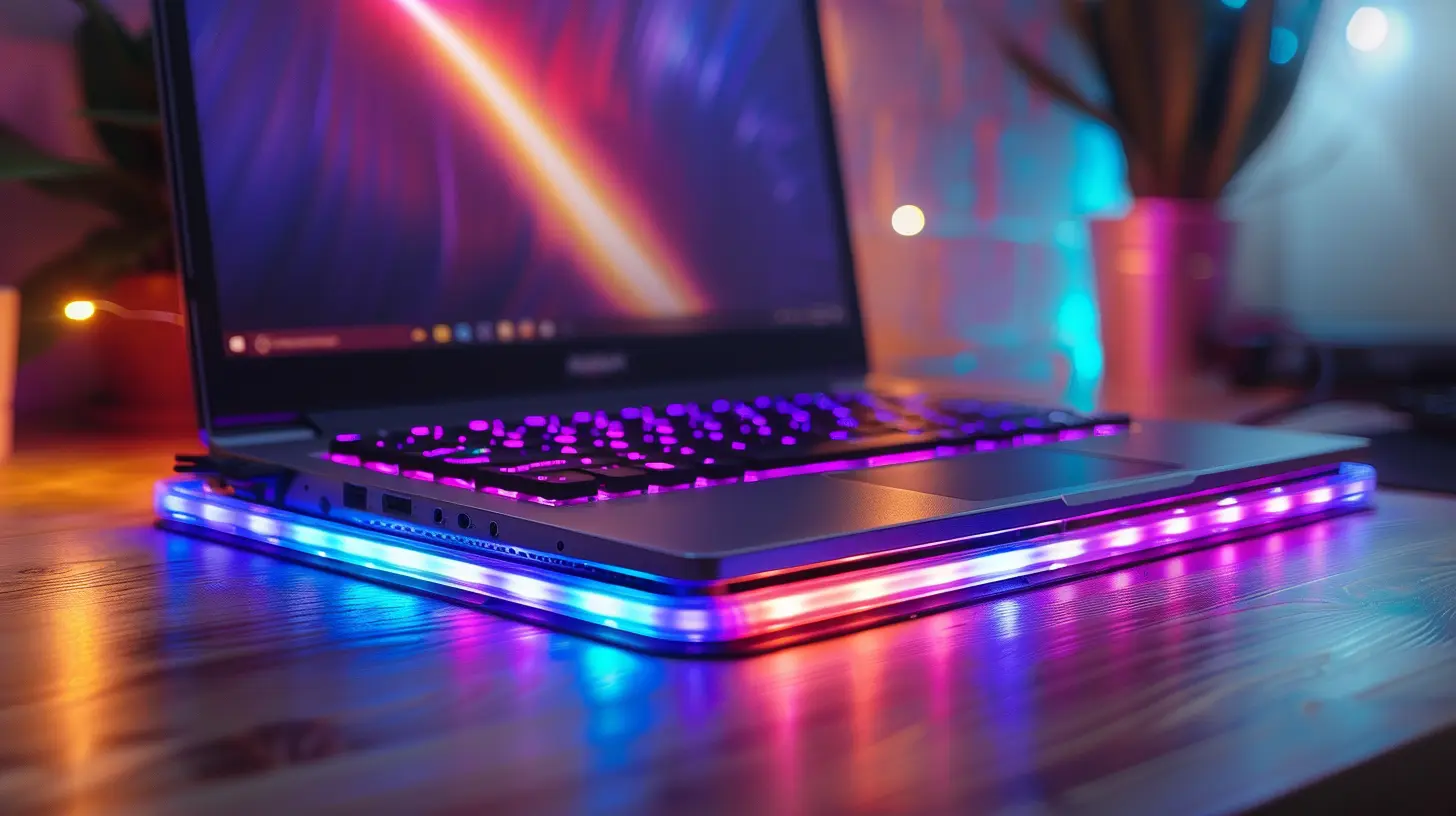
At their core, laptop cooling pads are pretty simple. They consist of a flat surface on which you place your laptop, with built-in fans that help circulate air around your machine. The fans work to dissipate the heat generated by your laptop’s components, preventing them from overheating.Some high-end cooling pads even come with extra features, like adjustable fan speeds, LED lighting (because why not make it look cool while it cools?), and ergonomic designs that allow you to angle your laptop for a more comfortable typing experience.
But does every laptop cooling pad get the job done? Not quite. Some models are better at protecting your device than others. So, let’s break down the top cooling pads that are worth considering.

The Best Laptop Cooling Pads for Protecting Your Device
1. Cooler Master Notepal X3
Cooler Master is a big name in the PC cooling world, and the Notepal X3 lives up to that reputation. This cooling pad is designed with a single large 200mm fan, which provides excellent airflow to keep your laptop’s temperature in check. The fan can spin at adjustable speeds, allowing you to tweak the cooling performance based on your needs.One unique feature of the Notepal X3 is its front vent, which blows cool air towards your hands while you type. If you’ve ever experienced sweaty palms while gaming or typing on a hot laptop, you’ll appreciate this cooling bonus.
Additionally, the Notepal X3 has a mesh surface that allows for better air circulation, and the fan’s noise level is relatively low, so you won’t be distracted by a constant hum.
Key Features:
- Single 200mm fan for powerful cooling- Adjustable fan speed
- Front vent for hand cooling
- Ergonomic design with adjustable angles
2. Thermaltake Massive 20 RGB
If you’re looking for a cooling pad that combines performance with a bit of flair, the Thermaltake Massive 20 RGB might catch your eye. This cooling pad features a massive 200mm fan that offers excellent cooling performance, and its large size makes it suitable for laptops up to 19 inches.What sets the Thermaltake Massive 20 apart is its RGB lighting. While RGB lights don’t exactly help with cooling, they sure make your setup look cooler (pun intended). You can customize the lighting to match your mood or gaming setup, which is a nice touch.
The fan speed is adjustable, and the cooling pad has three adjustable height settings, so you can find the perfect angle for both cooling and comfort.
Key Features:
- Massive 200mm fan for top-tier cooling- Adjustable fan speed
- RGB lighting with customization options
- Large surface area for bigger laptops
3. Klim Ultimate RGB Laptop Cooling Pad
Need something a bit more high-end? The Klim Ultimate takes laptop cooling to the next level. With a 200mm fan that runs quietly at 750 RPM (revolutions per minute), this pad offers superior cooling without the noise. The large fan ensures even cooling across your laptop, preventing any “hot spots” from forming.Like the Thermaltake, the Klim Ultimate also comes with RGB lighting that you can customize. But what really sets this cooling pad apart is its durability. Made from robust materials, it’s designed to last, even if you’re using it daily under heavy workloads.
It’s also ergonomically designed, allowing you to adjust the height and angle for a comfortable typing experience. Plus, the mesh surface helps with airflow, ensuring that your laptop stays cool no matter how intense things get.
Key Features:
- Quiet 200mm fan with 750 RPM- Durable build quality
- Customizable RGB lighting
- Ergonomic design with adjustable height
4. Havit HV-F2056 Laptop Cooling Pad
If you’re on a budget but still want effective cooling, the Havit HV-F2056 is a great option. This affordable cooling pad features three 110mm fans that provide decent airflow to keep your laptop cool during long sessions.Despite its low price, the Havit HV-F2056 doesn’t skimp on features. It’s super slim and lightweight, making it perfect for people who need something portable. The fans are also surprisingly quiet, so you won’t have to deal with constant noise while you work or game.
This model also comes with two adjustable height settings, allowing you to find a comfortable angle for typing or viewing. It may not have all the bells and whistles of more expensive options, but for the price, it’s hard to beat.
Key Features:
- Three 110mm fans for decent cooling- Slim and lightweight design
- Quiet operation
- Two adjustable height settings
5. Tree New Bee High-Performance Cooling Pad
The Tree New Bee is a cooling pad that offers great value for gamers and heavy laptop users. It features four 120mm fans that provide a strong cooling performance, making it perfect for gaming laptops that tend to generate a lot of heat.In addition to its cooling power, the Tree New Bee is designed with ergonomics in mind. You can adjust the height to suit your preferred typing angle, which can be a lifesaver during long gaming or work sessions.
Plus, the cooling pad comes with built-in cable management to help keep your workspace neat and organized. It’s a small touch, but it’s one that many users will appreciate.
Key Features:
- Four 120mm fans for strong cooling- Adjustable height for ergonomic typing
- Built-in cable management
- Affordable price point
6. Targus Chill Mat+ with 4-Port USB Hub
The Targus Chill Mat+ is more than just a cooling pad—it’s a multitasking powerhouse. Designed with two fans for cooling, it also features a built-in 4-port USB hub, allowing you to connect multiple devices to your laptop without needing extra USB ports. If you've ever felt like you're running out of ports, this is a handy solution.The Targus Chill Mat+ is lightweight and portable, making it a great option for people on the go. While its two fans may not be as powerful as some of the other models on this list, they still provide adequate cooling for most laptops, especially for those used for everyday tasks like browsing and streaming.
Key Features:
- Two fans for cooling- Built-in 4-port USB hub
- Lightweight and portable
- Simple and functional design
Factors to Consider When Choosing a Laptop Cooling Pad
When deciding on the best cooling pad for your device, there are several factors to keep in mind:1. Cooling Performance
The most important factor is, of course, how well the cooling pad does its job. Look for models with larger fans or multiple smaller fans to ensure adequate airflow. Adjustable fan speeds are also a plus.2. Noise Level
While cooling pads are great for keeping your laptop cool, some can be quite noisy. If you’re someone who likes peace and quiet while you work or play, look for models that offer quieter fan operation.3. Build Quality
A well-built cooling pad will last longer and be more durable. Pay attention to the materials used in the design, and if possible, go for models with metal mesh surfaces, as these tend to improve airflow and durability.4. Ergonomics
Since you’ll be using your cooling pad for potentially long periods, ergonomics matter. Look for models that offer adjustable height settings or a comfortable angle for typing.5. Extra Features
Some cooling pads come with additional features like RGB lighting, built-in USB hubs, or even cable management systems. While these aren’t necessary for cooling, they can add value, especially if you’re looking for something that enhances your overall setup.Do You Really Need a Cooling Pad?
At this point, you might be wondering: do you really need a cooling pad? Well, it depends. If you use your laptop for light tasks like browsing the web or checking emails, your laptop’s built-in cooling system might be enough. But if you’re a gamer, video editor, or someone who uses resource-heavy software, a cooling pad can make a significant difference in both performance and longevity.Not only does it help prevent overheating, but it also ensures that your laptop’s internal components don’t wear out prematurely. In the long run, a cooling pad is a small investment that can protect your much larger investment—your laptop.
Final Thoughts
Laptop cooling pads aren’t just a luxury; they’re a necessity for anyone who pushes their laptop to the limit. Whether you’re gaming, editing videos, or simply working for long hours, keeping your laptop cool can make a world of difference in performance and lifespan. From budget-friendly options like the Havit HV-F2056 to high-performance pads like the Klim Ultimate, there’s a cooling pad out there for every need and budget.So, the next time your laptop starts feeling like a hot plate, you’ll know exactly which cooling pad to grab!
all images in this post were generated using AI tools
Category:
Review GuidesAuthor:

Gabriel Sullivan
Discussion
rate this article
1 comments
Nyari Elliott
While many laptop cooling pads promise enhanced performance, not all deliver. It's crucial to consider factors like airflow design and noise levels, as well as compatibility with different laptop sizes. A well-researched choice can significantly extend your device's lifespan and efficiency.
July 3, 2026 at 11:07 AM
Gabriel Sullivan
You're right. Choosing the right cooling pad is key. Airflow design and compatibility can really make a difference in performance and longevity. Thanks for your insights!