How to Make Your Old Phone Feel Brand New
25 July 2026
In a world where technology evolves faster than your morning coffee brews, it's easy to feel like your trusty old phone is more dinosaur than device. But before you toss it aside and invest in the latest model, let's take a journey into revitalizing your smartphone. With a few clever tweaks and a little elbow grease, you can make your old phone feel as fresh as a new one. Let's dive in!
Assessing the Current State of Your Phone
Physical Condition
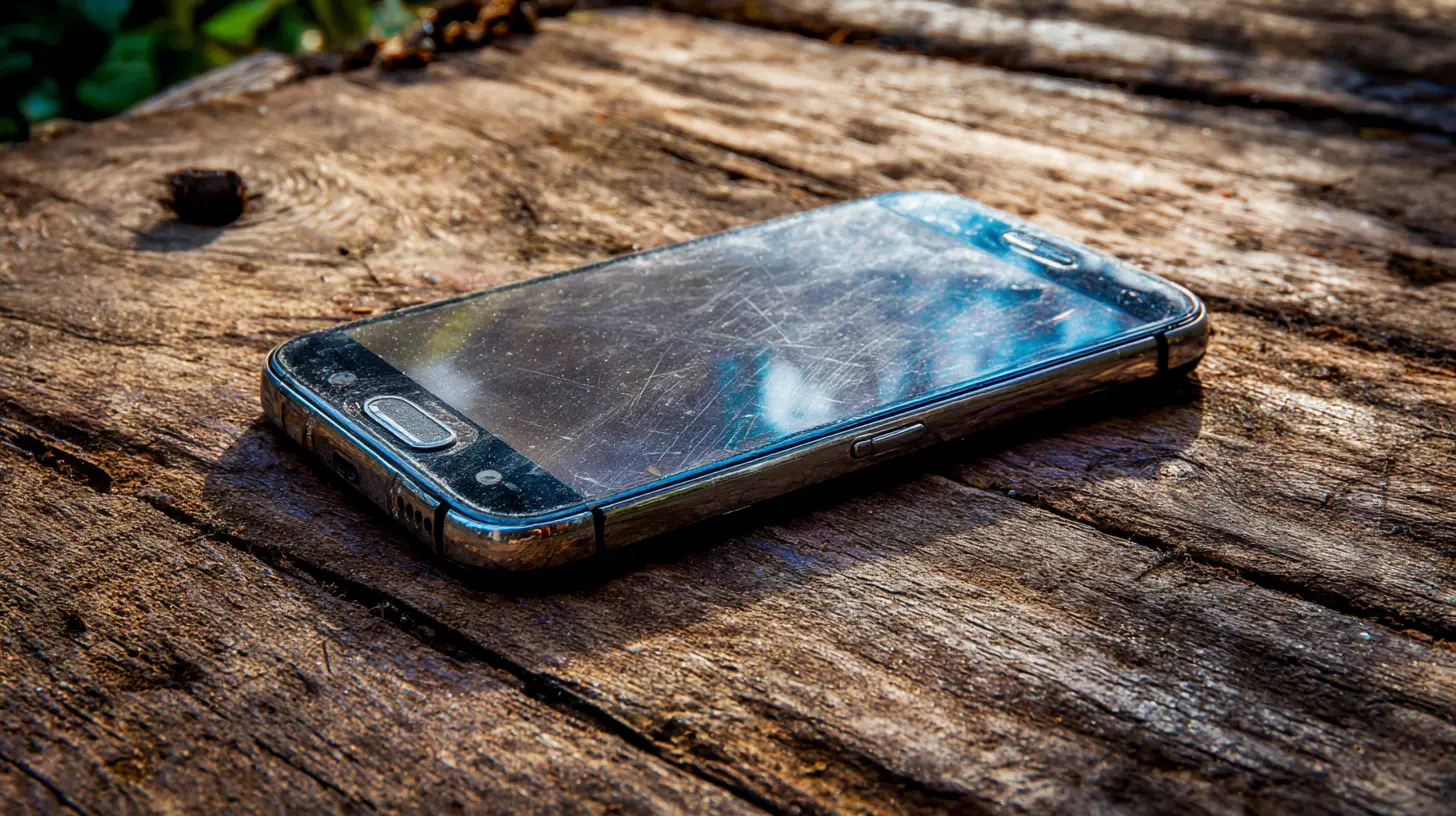
Before diving into software tweaks, take a moment to assess the physical condition of your device. Are there scratches on the screen? Is the battery life dwindling? A simple cleaning could do wonders. Use a microfiber cloth to clean the screen and remove any grime. If your phone case is looking tired, consider replacing it. A new case can change the entire vibe of your device while providing additional protection.Battery Health
The battery is often the first casualty of age. A phone that needs constant charging or dies unexpectedly can be frustrating. Check your battery health in your phone's settings. Most modern smartphones allow you to see battery performance metrics. If it's significantly degraded, it might be time for a replacement. Third-party services can often replace batteries at a fraction of the cost of a new phone.
Software Upgrades
Operating System Updates
First things first, ensure your operating system is up to date. Updates often come with performance enhancements, security patches, and new features. Check your settings for any available updates. If your phone is older, it might not support the latest OS, but many manufacturers continue to provide updates for several years after release.Clearing Out the Clutter
Just like your closet, your phone can get cluttered too. Over time, apps accumulate, and storage fills up. Start by deleting apps you no longer use. Go through your photos and videos, and consider backing them up to a cloud service or external storage, then deleting them from your device. This can free up space, improve performance, and make your phone feel snappier.Managing Background Apps
Many apps run in the background, consuming resources and draining battery life. Check which apps are running and close the ones you don't need. This can be done through your phone's settings or app manager. You might be surprised at how many apps are stealing your phone's power without you even realizing it.
Optimizing Performance
Disable Unused Features
Many smartphones come preloaded with features and apps that you may never use. Take the time to disable or uninstall these features. For instance, if you don't use location services, turning them off can save battery life. Similarly, if you're not a fan of automatic updates, managing these settings can help.Use Lite Versions of Apps
Many popular apps have "lite" versions designed for older hardware or lower bandwidth situations. These versions offer essential features while consuming fewer resources. Apps like Facebook Lite or Messenger Lite can provide a smoother experience on older devices without sacrificing too much functionality.Custom Launchers
If you're feeling adventurous, consider using a custom launcher. These apps allow you to change the interface of your phone entirely, giving it a fresh look and feel. Popular options include Nova Launcher and Microsoft Launcher, which can customize everything from icons to layouts. This can make your old phone feel completely new without changing any hardware.
Enhancing Battery Life
Battery-Saving Modes
Most smartphones have built-in battery-saving modes. Utilizing these can extend battery life significantly, especially when you're in a pinch. When activated, these modes limit background app activity and reduce screen brightness, allowing you to stretch those last few hours out of your battery.Charging Habits
Your charging habits can also impact battery life. Avoid letting your battery drain completely before charging-this can shorten its lifespan. Instead, try to keep the charge between 20 and 80 percent. Using the original charger can also help maintain battery health, as third-party chargers may not be optimized for your device.Refreshing the User Experience
Changing Themes and Wallpapers
Sometimes, a simple aesthetic change can make a world of difference. Change your wallpaper to something fresh and inspiring, or explore various themes available in your phone's settings. Many launchers also offer extensive customization options, allowing you to design your phone's interface to match your personality.Widgets for Functionality
Widgets can enhance your phone's functionality while making it visually appealing. By adding widgets for weather, news, or calendar events, you can keep important information front and center without diving deep into apps. This not only adds utility but also keeps your home screen dynamic.
Upgrading Hardware
Expanding Storage
If your phone supports it, consider adding a microSD card for extra storage. This can be particularly useful if you enjoy taking photos or downloading music. With additional storage, you won't have to worry about constantly deleting files to make room for new ones.Accessory Upgrades
Sometimes, accessories can make an old phone feel brand new. Investing in a high-quality pair of headphones or a portable charger can enhance your experience. A good set of headphones can breathe new life into your music playback, while a portable charger can ensure your device is always ready to go.Common Mistakes to Avoid
Overlooking Updates
Ignoring software updates can leave your phone vulnerable to security risks and performance issues. Make it a habit to check for updates regularly. This also applies to apps-keeping them updated ensures you have the latest features and bug fixes.Mismanaging Storage
Many users underestimate how quickly storage fills up. Regularly assessing storage and removing unnecessary files can prevent slowdowns. Be proactive about managing your space, and avoid the last-minute rush to delete apps when you get the dreaded storage warning.Neglecting Security
As you refresh your device, don't forget about security. Use strong passwords or biometric security features. Consider enabling two-factor authentication for sensitive apps. Protecting your information is just as important as enhancing functionality.
When to Draw the Line
While sprucing up your old phone can be rewarding, consider when it might be time for an upgrade. If your device is consistently crashing, unable to run essential apps, or failing to receive security updates, it may be time to invest in a new phone. Weigh the cost of repairs and upgrades against the price of a new model. If you find yourself spending more on fixes than you would on a new device, it's worth taking the plunge.Conclusion
With a little effort and creativity, you can breathe new life into your old phone and extend its usefulness. From software tweaks to aesthetic changes, numerous strategies can make your device feel brand new. Remember to assess your phone's condition regularly, manage your storage, and keep it updated. And when the time comes for an upgrade, you can do so with confidence, knowing you've made the most of your current device.
all images in this post were generated using AI tools
Category:
Smartphone TipsAuthor:

Gabriel Sullivan