How Augmented Reality Could Reshape Home Office Workflows
27 July 2026
If you have spent any time working from home, you already know the friction points. The clutter of monitors, the endless shifting between windows, the hunt for a sticky note with a critical password, and the strange loneliness of staring at a flat screen while trying to collaborate. These are not minor annoyances. They are productivity leaks that cost you time, focus, and sometimes your sanity.
Augmented Reality (AR) has been hovering on the edge of mainstream adoption for years, mostly associated with gaming or niche industrial applications. But the home office is where AR could finally prove its real value. Not as a gimmick, but as a practical tool that changes how you interact with digital information in your physical space.
This is not about strapping on a bulky headset and living in a virtual world. It is about overlaying useful, interactive digital elements onto the room where you already work. Done right, AR can reduce physical clutter, improve focus, and make remote collaboration feel less like a video call and more like sharing a room.
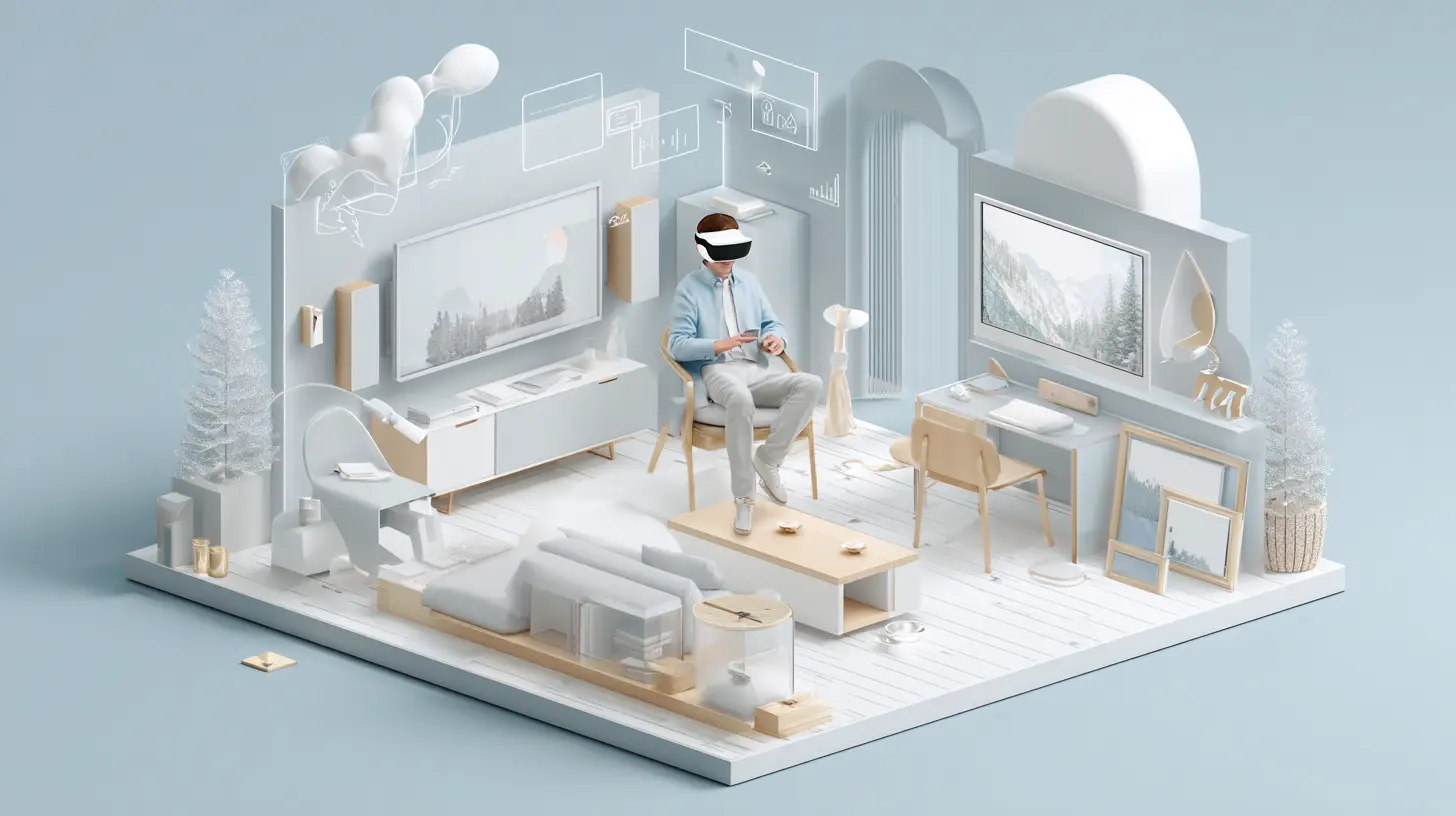
Why the Home Office is the Perfect Sandbox for AR
The home office presents a unique set of constraints that AR is well-suited to solve. In a corporate office, you have dedicated meeting rooms, whiteboards, and IT support. At home, you have a dining table, a spare bedroom, or a corner of the living room. Your setup is personal, often improvised, and rarely optimized.AR thrives in this environment because it does not require you to rearrange your furniture. Instead, it adapts to your existing space. The key advantage here is spatial computing. Unlike a screen that traps everything inside a rectangle, AR allows digital objects to exist in three dimensions relative to your physical environment.
Consider the problem of screen real estate. Many remote workers buy large monitors or use multiple screens to keep reference materials visible while working. AR can replace that physical hardware with virtual screens that float in your field of view. These screens can be placed on a wall, above your actual monitor, or even on a surface beside your keyboard. You can resize them, move them, and dismiss them with a gesture.
The real shift is not just having more screens. It is having screens that understand your space. A virtual window can be pinned to a specific spot in your room so that when you turn your head, it stays in place. This creates a sense of physical permanence for digital information, which is something a monitor cannot offer.
The Practical Breakthrough: Contextual Overlays
The most powerful use case for AR in a home office is not about entertainment. It is about context. Imagine you are working on a spreadsheet. Instead of alt-tabbing to check an email, a notification appears as a small card hovering just to the right of your keyboard. You glance at it, tap the air to dismiss it, and return to your work. Your flow is not broken because you never left your primary workspace.This is subtle but profound. The cognitive cost of switching tasks is well documented. Every time you move your mouse to a different window or pick up your phone, your brain needs a moment to reorient. AR can reduce these transitions by placing information exactly where you need it, when you need it.
For example, a developer writing code could have a virtual debugger window floating above their actual terminal. A designer could have a color palette hovering next to their drawing tablet. A writer could have a research article pinned to the wall beside their word processor. The digital content becomes part of the room, not part of the screen.
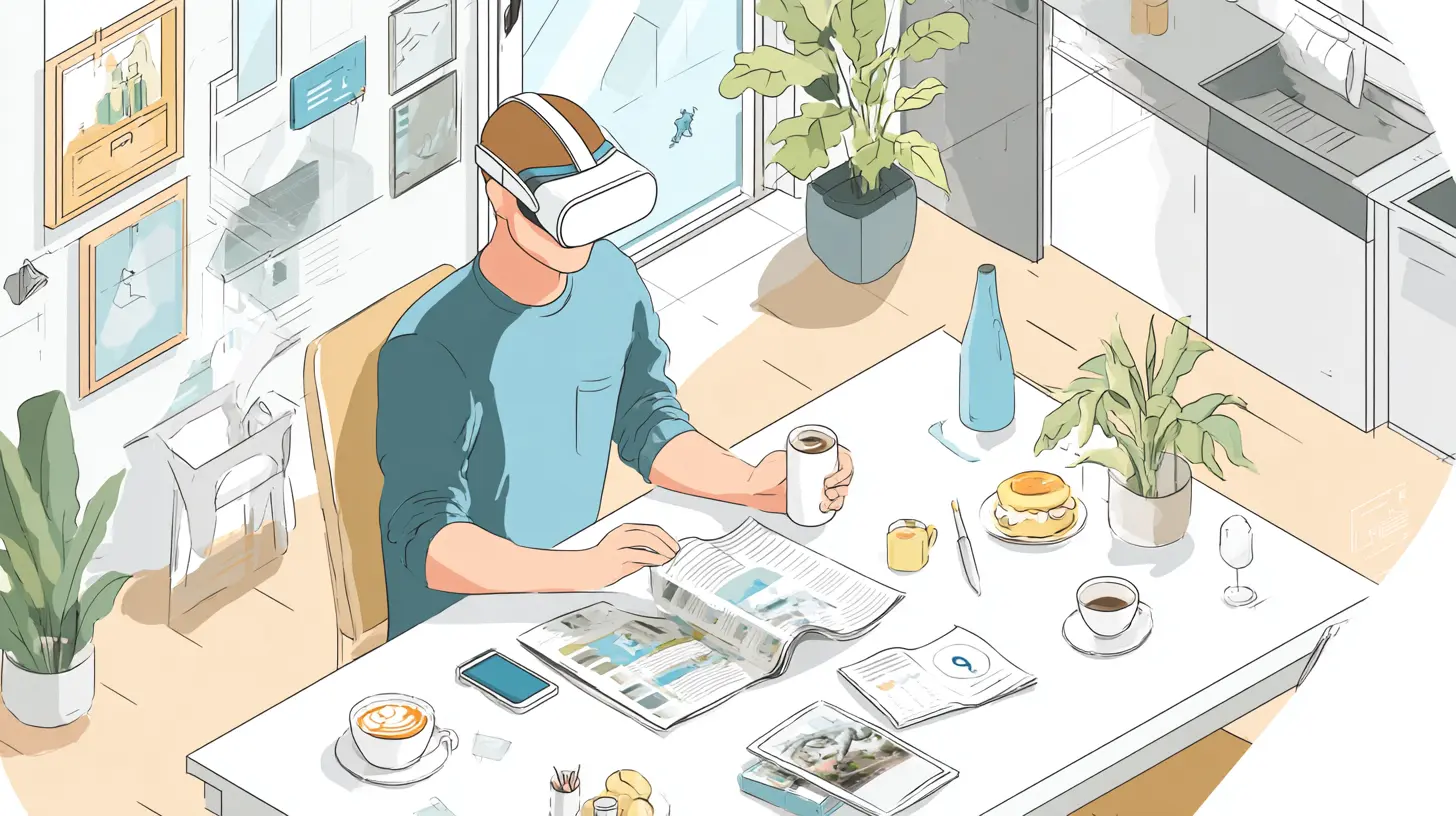
Reimagining Collaboration in a Distributed World
Video conferencing has become the default for remote teams, but it has serious limitations. The camera frame, the lighting, the background noise, the lack of eye contact. These factors create a barrier to genuine connection. AR offers a way to bridge that gap without requiring everyone to wear a headset.Shared Virtual Whiteboards
One of the biggest losses when teams go remote is the spontaneous brainstorming session around a physical whiteboard. A digital whiteboard on a screen is better than nothing, but it lacks the spatial awareness of a real board. With AR, you can project a shared whiteboard onto an empty wall in your home office. Your remote colleague sees the same board on their wall. You both can draw, write, and move sticky notes around in real time, and you can see each other's hands interacting with the content.The difference here is that the whiteboard is not a window on your screen. It is a surface in your room. You can walk up to it, point at something, and have the other person see your gesture relative to the board. This restores a layer of nonverbal communication that video calls strip away.
The Problem of Presence
Current video calls force you to look at a camera, not at the person you are talking to. This creates a feeling of disconnection. AR headsets with inward-facing cameras can track your eye movements and render a realistic avatar of your face that maintains eye contact with the other person. This is not about creating a cartoon version of yourself. It is about preserving the subtle cues that make conversation feel natural.The trade-off here is significant. Wearing a headset for an entire workday is not comfortable for most people today. The hardware is still too heavy, the battery life too short, and the social stigma too real. However, for specific collaborative sessions, such as design reviews or planning meetings, the benefits of spatial presence can outweigh the discomfort. The key is to use AR selectively, not as a constant companion.
Practical Workflow Examples That Work Today
Let's move beyond theory and look at concrete scenarios where AR can improve a home office workflow right now, with hardware that exists or is about to ship.The Multitasking Coder
A software engineer working on a complex feature often needs to reference documentation, check logs, and keep an eye on a build pipeline. With AR, they can place a virtual terminal window above their physical monitor. This terminal shows real-time log output. To the left, a floating browser window displays the API documentation. To the right, a small panel shows the status of their continuous integration pipeline.The engineer never has to minimize their code editor. The virtual windows are always there, but they are positioned so they do not block the main work area. When the build finishes, a subtle glow appears on the edge of the pipeline panel. The engineer glances at it, sees the result, and keeps typing. No alt-tab, no context switch.
The practical consideration here is occlusion. The virtual windows need to be transparent enough or placed in such a way that they do not obscure important parts of the physical screen. Current AR headsets handle this poorly in bright rooms, but the technology is improving rapidly.
The Designer's Spatial Palette
Graphic designers and 3D artists work with color, scale, and spatial relationships. A flat monitor is a poor medium for judging how a design will look in the real world. AR can solve this by letting designers place their work directly on physical surfaces.Imagine a product designer creating a label for a bottle. Instead of rendering it on a screen, they can project the label onto a real bottle sitting on their desk. They can see how the light hits it, how the curves affect the text, and how the colors look in the actual lighting of their room. Changes can be made in real time, with the label updating instantly.
This is not just a visualization tool. It is a validation tool. Designers can catch issues that would never appear on a backlit screen, such as poor contrast in natural light or text that becomes unreadable at a certain angle. The result is fewer revisions and a faster path to a final product.
The Remote Trainer's Assistant
Teaching someone a complex task over a video call is frustrating. You point at something on your screen, but they cannot see where you are pointing. AR can change this by allowing you to draw annotations directly into the other person's field of view.For example, a senior engineer helping a junior colleague set up a server can see what the junior sees through their headset camera. The senior can draw arrows, circle buttons, and place text labels that appear in the junior's real environment. The junior does not have to look away from their keyboard to follow instructions. The annotations stay in place, so they can refer back to them without replaying a video.
This is a massive improvement over screenshots and verbal instructions. It reduces training time and lowers the error rate. The downside is that both parties need compatible hardware, which is not yet common.
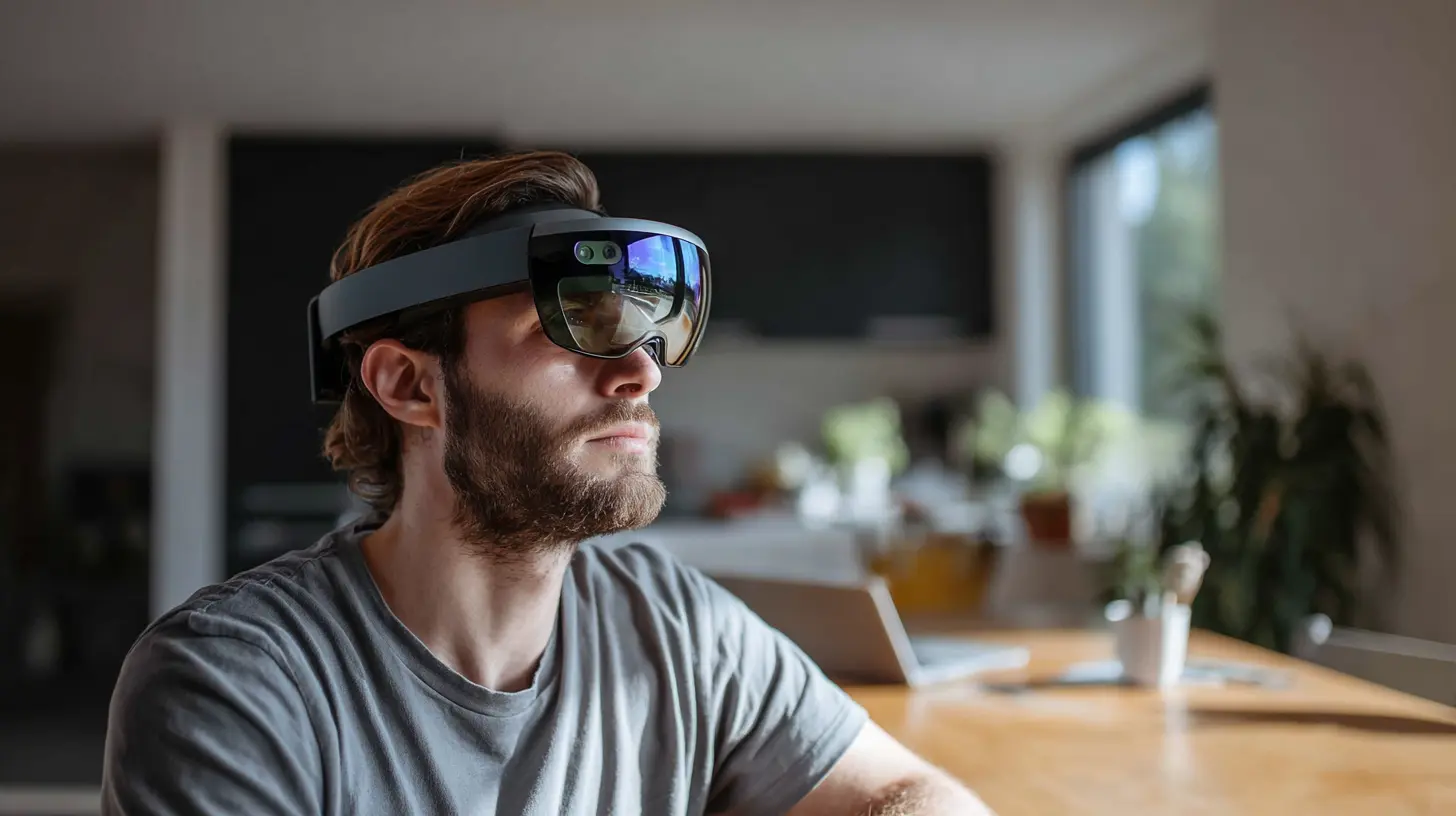
Common Mistakes and Misconceptions
As with any emerging technology, there are pitfalls. Early adopters often fall into predictable traps that lead to disappointment.Mistake 1: Treating AR as a Monitor Replacement
Some people assume AR will let them throw away all their physical monitors. This is a mistake for now. The resolution of AR displays is still lower than a typical 4K monitor. Text can be hard to read, and fine details get lost. Virtual screens are great for reference material and notifications, but they are not ready for primary work like writing code or editing video.Use AR to augment your existing setup, not replace it. Keep your main monitor for high-fidelity work and use virtual screens for secondary tasks.
Mistake 2: Ignoring Ergonomics
Holding your head at a certain angle to see a virtual object can cause neck strain. Unlike a physical monitor that you can adjust, virtual objects are pinned to coordinates in space. If you pin a window too high, you will be looking up all day. If you pin it too low, you will be looking down.Treat virtual placement with the same care as physical monitor placement. Keep virtual content within a comfortable viewing cone, and take breaks to rest your eyes. The digital nature of the content does not mean your body stops being physical.
Mistake 3: Overcomplicating the Interface
Early AR apps often try to do too much. They fill your field of view with floating menus, buttons, and data streams. This creates visual clutter that is worse than a messy desktop.Start minimal. Add one virtual element at a time. Ask yourself whether each element genuinely improves your workflow or just adds noise. A single well-placed virtual window is more useful than a dozen scattered panels.
Hardware Considerations: What to Look For
Not all AR hardware is created equal, and the market is still fragmented. If you are considering investing in AR for your home office, here are the factors that matter most.Field of View
A narrow field of view means you see a small rectangle of digital content in the center of your vision. This is like looking through a porthole. A wide field of view allows virtual objects to appear in your peripheral vision, which makes them feel more natural.For workflow use, a field of view of at least 50 degrees diagonal is recommended. Below that, the virtual content feels disconnected from your environment.
Passthrough Quality
Most AR headsets use cameras to show you the real world. The quality of this passthrough video determines how comfortable it is to use the headset for extended periods. Grainy, laggy, or distorted passthrough will cause eye strain and disorientation.Test the passthrough quality before buying. If the real world looks like a low-resolution video, you will not want to wear the headset for more than a few minutes.
Input Method
How do you interact with virtual objects? Some headsets use hand tracking, which is intuitive but can be imprecise. Others use controllers, which are accurate but add friction. Voice commands work well for simple actions but fail in noisy environments.The best approach for home office work is a combination. Use hand gestures for quick interactions like dismissing notifications, and use a physical keyboard and mouse for precise input. The headset should not force you to change how you type.
The Long-Term View: Where This is Heading
In five years, the home office will likely look different. Not because the furniture changes, but because the digital layer becomes as real as the physical one. AR glasses will be lighter, with better battery life and higher resolution. They will be something you put on in the morning and take off at night, like a pair of reading glasses.When that happens, the home office workflow will shift fundamentally. The concept of a "desktop" will become obsolete. Your workspace will be the room itself. Files will sit on your desk like physical papers. Applications will be tools you pick up and put down. Collaboration will feel like standing next to someone, even if they are in another country.
The technology is not there yet, but the direction is clear. The home office of the future is not a room full of screens. It is a room full of possibilities, where information lives where you need it, not where the monitor forces it.
Actionable Recommendations for Early Adopters
If you want to start integrating AR into your home office workflow today, here is a practical path.1. Start with a single use case. Pick one task that frustrates you. Maybe it is monitoring a build process, or keeping reference material visible while writing. Solve that one problem with a virtual window.
2. Use a headset with good passthrough quality. The HoloLens 2 and the Meta Quest 3 are the most accessible options. Neither is perfect, but both are good enough for experimentation.
3. Keep your physical desk clean. AR works best when the real world is not cluttered. A messy desk makes it harder to place virtual objects in useful locations.
4. Set boundaries. Do not use AR for every task. Some things are better done on a regular screen. Give yourself permission to take the headset off when it stops being helpful.
5. Experiment with collaboration. Find a colleague who also has a headset and try a shared whiteboard session. The value of AR becomes much clearer when you experience it with another person.
The home office is a deeply personal space. What works for one person may not work for another. AR is not a magic bullet that will solve every remote work problem. But for the specific problems of information overload, context switching, and poor collaboration, it offers a genuinely new approach.
The best way to understand it is to try it. Start small. Be patient with the limitations. And pay attention to the moments when the digital and physical worlds align in a way that feels natural. Those moments are where the real potential lies.
all images in this post were generated using AI tools
Category:
Home Office TechAuthor:

Gabriel Sullivan