Designing a Distraction-Free Workspace With Emerging Tech
12 August 2026
The modern workspace is a paradox. We have more tools than ever to get work done, yet we are also more distracted than ever. Notifications ping, browsers tempt with infinite tabs, and the same device that processes your spreadsheets also streams your favorite shows. The average knowledge worker switches tasks every three minutes, and it can take over twenty minutes to fully refocus after a single interruption. The solution is not to buy another productivity app or to install a website blocker and call it a day. The real fix lies in designing an environment that works with your attention span, not against it. Emerging technology, when applied thoughtfully, can build a workspace that actively shields your focus rather than constantly testing it.
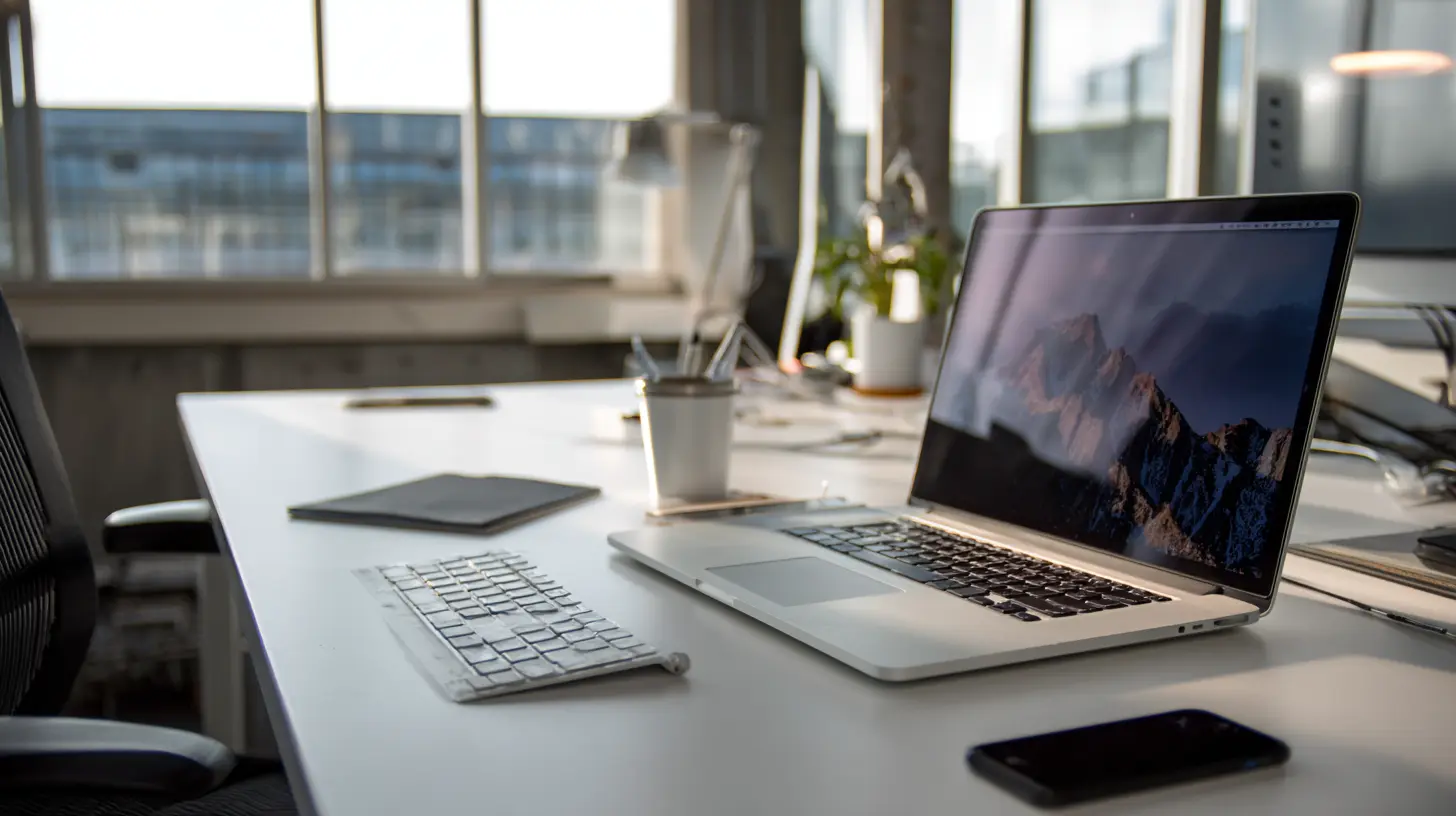
The Problem With Willpower-Based Productivity
Most people treat distraction as a personal failing. They think they need more discipline, better habits, or a stricter schedule. This approach sets you up for failure because willpower is a finite resource. Every time you resist checking your phone, you drain a little more of your mental energy. By the afternoon, your resistance is low, and the slightest trigger sends you down a rabbit hole.The better approach is to design friction into the system. Make distractions harder to reach and focus easier to start. This is where emerging tech shines. It can automate the boring parts of focus, remove decision fatigue, and create physical and digital boundaries that do not rely on your mood or motivation on any given day.
Think of it like a kitchen. A professional chef does not keep the knives in a drawer with the towels or store spices in unlabeled jars. The layout of the kitchen does the heavy lifting. Your workspace should work the same way. The goal is to make the right action the easiest action.
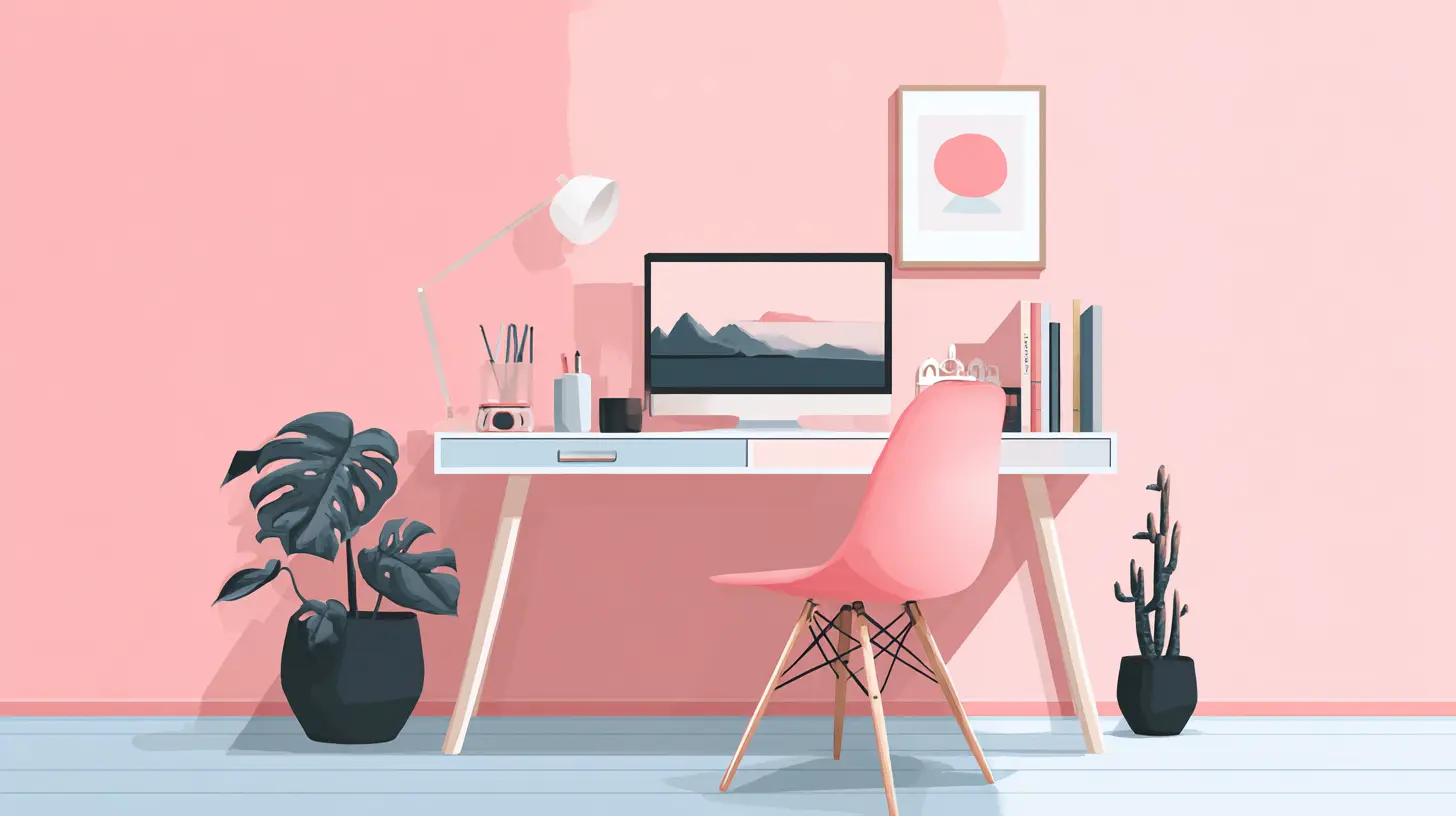
Rethinking the Physical Space With Smart Lighting and Acoustics
Lighting is one of the most underestimated factors in focus. Harsh overhead fluorescent lights cause eye strain and headaches. Dim lighting makes you drowsy. The wrong color temperature can trick your brain into thinking it is night or day at the wrong times.Emerging smart lighting systems go far beyond simple dimming. They adjust color temperature and intensity based on the time of day, your current task, and even your circadian rhythm. For example, a system can shift to cool blue-white light in the morning to signal alertness and then gradually warm to amber tones in the afternoon to reduce eye fatigue. Some advanced setups use tunable white light that mimics natural daylight, which has been shown to improve mood and cognitive performance.
But the real emerging tech here is not just the bulb. It is the integration with your calendar and activity sensors. Imagine a lighting system that knows when you have a deep work block scheduled. It automatically brightens your desk area, dims peripheral zones to reduce visual clutter, and even changes the lighting in your peripheral vision to create a tunnel effect. This is not science fiction. Systems like this exist in high-end offices and are slowly becoming accessible for home setups.
Acoustics are equally important. Open offices are notorious for noise, but even a home office can suffer from the sound of traffic, neighbors, or family members. Traditional noise-canceling headphones work by generating inverse sound waves, but they are not perfect. They struggle with sudden, high-pitched noises like a dog bark or a child's shout.
Newer adaptive acoustic systems use a combination of microphones and processors to analyze the soundscape in real time. Instead of just canceling noise, they identify specific disruptive frequencies and mask them with subtle, continuous background sound. Some systems use directional speakers that project sound only to your ears, creating a private audio bubble without isolating you completely from important environmental cues like a fire alarm or someone calling your name.
The practical takeaway is to treat sound as a design element, not an afterthought. If you cannot control the noise, you can control the response to it. A smart acoustic system that automatically adjusts to your task is far more effective than manually toggling between noise-canceling modes on a headset.
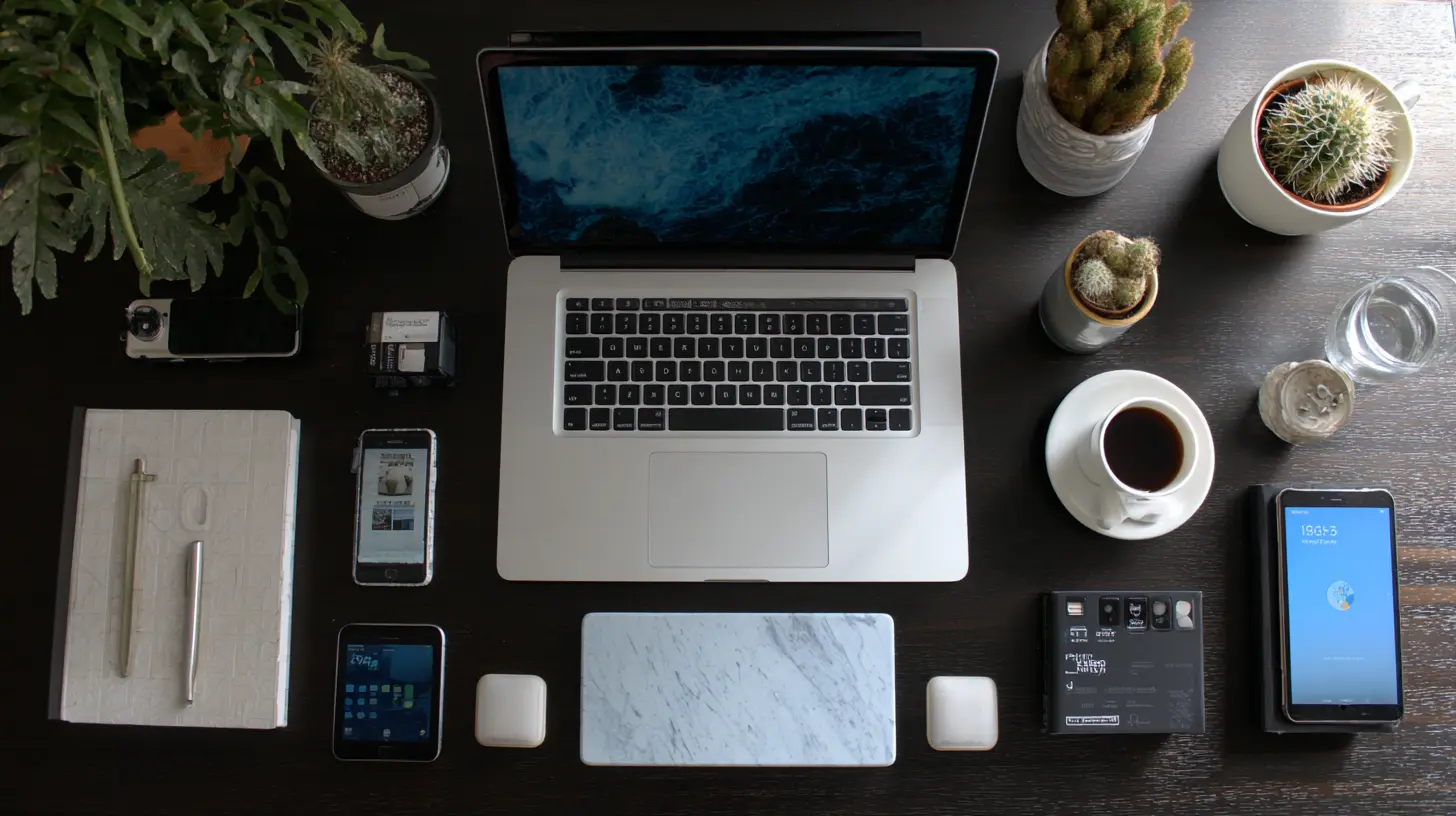
The Rise of the Context-Aware Digital Assistant
The digital assistant has been around for years, but the emerging version is fundamentally different. The old model was reactive. You said, "Set a timer for 25 minutes," and it did that. The new model is proactive and context-aware. It understands what you are working on, how long you have been working, and what is likely to interrupt you.Imagine an assistant that monitors your active window and your typing speed. It notices when you have been in a deep writing flow for forty minutes. It then suppresses all non-critical notifications, routes incoming calls to voicemail, and even pauses your chat status updates. It does this without you asking, because it has learned your patterns.
This is not about AI taking over your work. It is about AI acting as a bouncer for your attention. The key is in the word "context." A notification from your boss about a project deadline is important. A notification from a social media app is not. A context-aware assistant can differentiate between the two based on the sender, the content, and your current task.
The trade-off is privacy. To be truly context-aware, the assistant needs to see a lot of your data. It needs to read your emails, track your calendar, and monitor your application usage. Some people are uncomfortable with that level of access. The alternative is a more limited system that only uses rules, like blocking all notifications during certain hours. But that is a blunt instrument. A context-aware system is a scalpel.
When considering this technology, ask yourself what you are willing to trade. If you work with sensitive client data, you might be better off with a local, on-device assistant that does not send data to the cloud. Several emerging solutions now run entirely on your machine, using neural processing units to analyze your behavior without uploading anything. This gives you the benefit of context without the privacy risk.
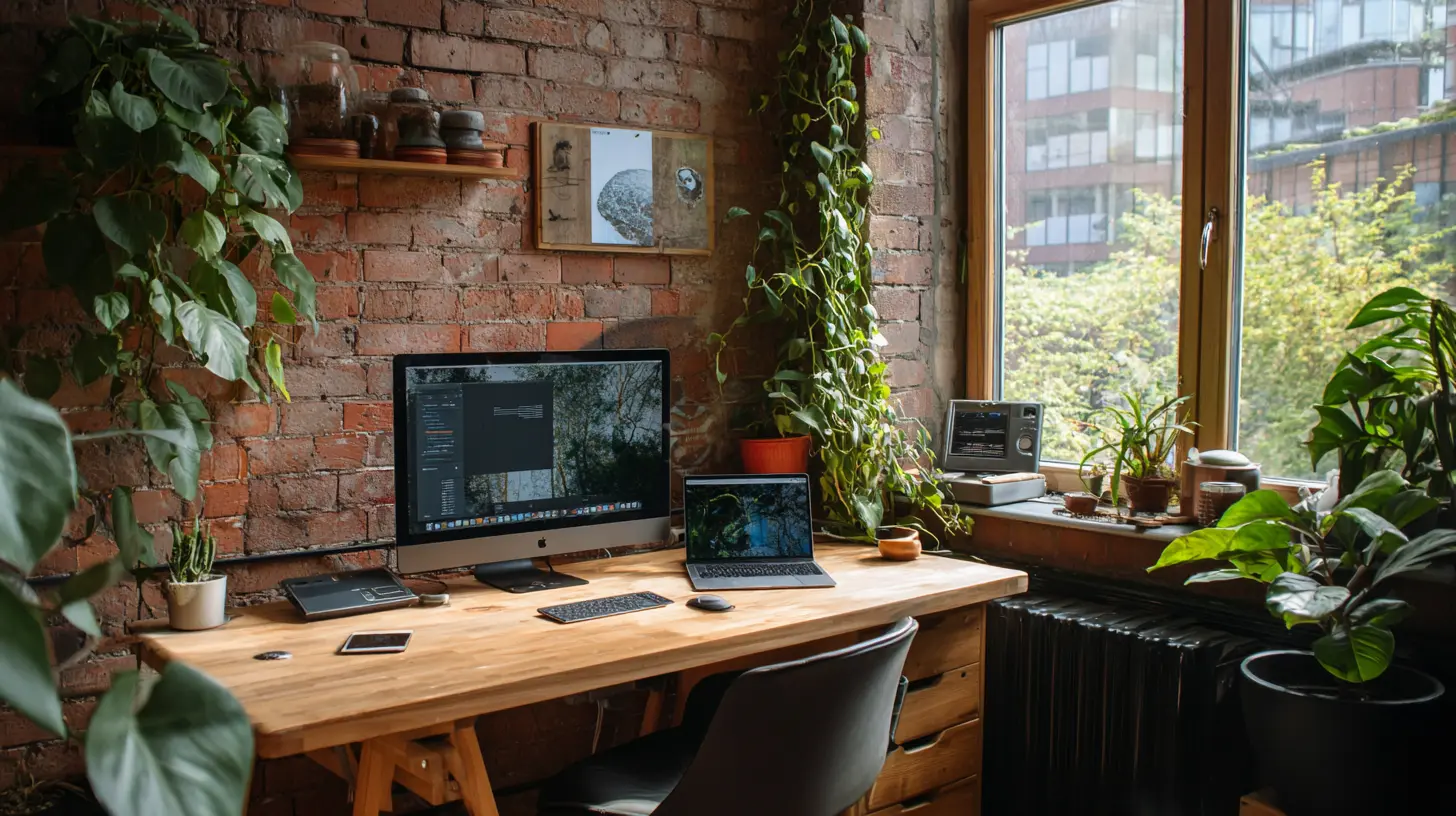
Ambient Computing and the Invisible Interface
One of the biggest sources of distraction is the device itself. The glowing screen, the taskbar, the dock icons, the browser bookmarks. Every visual element is a potential trigger. Emerging tech is moving toward ambient computing, where the interface fades into the background and only appears when you need it.Consider a workspace with a large, high-resolution monitor that is not just a screen but a smart surface. It can display your work when you are active, but when you look away for a few seconds, it fades to a neutral, low-stimulation pattern. This reduces the visual noise that keeps your brain on edge.
More advanced setups use eye-tracking technology. The system knows where you are looking. If you are reading a long document, the screen can subtly highlight the line you are on, reducing the effort your eyes need to track. When you glance at the clock, the screen can show a brief overlay with your next appointment, then disappear. This is the invisible interface. It is not about adding more widgets. It is about removing the need to search for information.
Voice control is another part of this. Instead of fumbling with a mouse to switch windows, you can simply say, "Show me the budget spreadsheet." The system understands your intent and brings it up. This reduces the cognitive load of navigating menus and folders. The key is to make the interaction feel natural, not like you are commanding a robot.
The misconception is that ambient computing requires expensive, futuristic hardware. It does not. You can achieve a version of this with a simple monitor, a webcam for eye tracking, and a voice assistant. The tech is less important than the philosophy: the workspace should serve the work, not the other way around.
The Role of Wearables in Managing Attention
Wearables are often dismissed as fitness trackers or notification buzzers. But emerging wearables are becoming subtle attention management tools. A modern smartwatch can measure your heart rate variability, which is a proxy for stress and cognitive load. When you are in a deep work state, your heart rate variability tends to be steady. When you are about to get distracted, it often spikes.A well-designed wearable can alert you to this physiological shift before you consciously notice it. It can give you a gentle haptic pulse that says, "You are losing focus, take a breath and recenter." This is not about nagging. It is about biofeedback. Over time, you learn to recognize the feeling of losing focus and can snap back faster.
Some wearables go further and use electrodermal activity, which measures the electrical conductance of your skin. This changes with sweat and emotional arousal. It is a reliable indicator of mental load. A wearable that tracks this can help you identify which tasks are draining you and which are energizing. This data is gold for designing your workday.
The downside is that wearing a device can itself be a distraction. If you are constantly checking your stats, you are defeating the purpose. The best practice is to set the wearable to provide only the most critical feedback and to avoid looking at the screen during work sessions. Use it as a passive sensor, not an active dashboard.
Smart Desks and Environmental Automation
The physical desk is evolving. Height-adjustable desks are common, but emerging versions are integrating sensors and automation. A smart desk can remember your preferred sitting and standing heights. It can gently remind you to change posture if you have been sitting for too long. Some models have built-in wireless charging pads that activate only when your phone is placed in a specific spot, which encourages you to put the phone out of reach.The more interesting development is the integration of the desk with the rest of the smart workspace. When you sit down and place your hands on the keyboard, the desk signals the lighting system to brighten, the acoustic system to activate white noise, and the digital assistant to enter focus mode. This creates a ritual. The physical act of sitting at your desk becomes the trigger for a full-environment shift.
This is powerful because it offloads the decision of when to focus. You do not have to think about turning on five different systems. You just sit down. The environment does the rest. This is the opposite of the typical setup where you have to manually set timers, block websites, and put on headphones every single time.
The trade-off is cost and complexity. A fully automated desk with sensors can be expensive. And if the system fails, you are left with a desk that does not adjust, which is worse than a simple manual one. The practical advice is to start small. Get a basic height-adjustable desk and add a smart plug that controls your lighting. Build the automation step by step.
The Myth of the Perfect Focus App
There is no shortage of apps that promise to block distractions. They all work on the same principle: prevent you from accessing certain websites or apps for a set period. They are useful, but they have a fundamental flaw. They treat the symptom, not the cause.The cause of distraction is often not the website itself. It is the underlying feeling of boredom, anxiety, or uncertainty. When you hit a difficult part of a task, your brain seeks a quick dopamine hit. A website blocker stops the action but does not address the feeling. You will find another way to procrastinate, like checking email or organizing your files.
Emerging tech is moving toward a different model. Instead of blocking, it aims to redirect. For example, an AI-powered tool can detect when you are about to switch to a distracting app and offer a brief, mindful pause. It might show you a calming image or a breathing exercise for ten seconds. This interruption is enough to break the autopilot response without being annoying.
Another approach is to use generative AI to create a "focus playlist" that adapts to your current emotional state. If the system detects that you are getting frustrated, it switches to slower, more ambient music. If you are energized, it plays something with a steady beat. This is not just background noise. It is active audio management.
The key insight is that the best tool is the one you forget about. If an app requires constant configuration, you will spend more time managing it than working. The emerging generation of focus tools is designed to be invisible. They run in the background, adapt to you, and only surface when they can genuinely help.
Practical Implementation Steps
Start with an audit. For one week, track every time you lose focus. Note the time, the trigger, and the environment. You will likely see patterns. Maybe you lose focus after thirty minutes of intense work. Maybe the sound of a particular device is the trigger. Maybe the clutter on your desk is the problem.Once you have the data, address the biggest offender first. If it is digital noise, set up a basic notification schedule on your phone and computer. Turn off all non-essential alerts during your peak focus hours. This is a manual step, but it is the foundation.
Next, tackle the physical environment. Add a smart light that you can control with your voice. Set it to a cool temperature in the morning and warm in the afternoon. If noise is an issue, invest in a decent pair of noise-canceling headphones or a white noise machine. You do not need the most advanced system to get most of the benefit.
Then, layer in the automation. Use a simple automation tool like IFTTT or Shortcuts to trigger your focus mode. For example, when you start a timer on your phone, the tool can automatically switch your lights to a specific setting and mute your notifications. This is a small step that has a big impact because it creates a repeatable ritual.
Finally, consider a context-aware assistant. Start with a privacy-friendly option that runs on your device. Give it access to your calendar and let it suggest focus blocks. Do not let it control everything at first. Let it observe and recommend. Over time, you can grant it more authority to suppress notifications and adjust your environment.
Common Mistakes and Misconceptions
One mistake is buying all the tech at once. You end up with a complex system that requires constant maintenance. You spend more time troubleshooting the setup than working. The solution is to introduce one piece at a time and let it become a habit before adding the next.Another misconception is that a distraction-free workspace means an empty workspace. Some minimalists strip their desks down to a laptop and a coffee mug. But this can backfire. A completely sterile environment can feel cold and uninspiring. The goal is not to remove all stimuli but to remove irrelevant stimuli. A plant, a photo, or a piece of art can provide a mental rest that actually improves focus.
People also overestimate the power of a single "perfect" tool. There is no app that will fix your attention span. The best setup is a combination of physical design, digital boundaries, and personal awareness. The tech is a support system, not a savior.
Another error is ignoring the role of breaks. A distraction-free workspace is not about working nonstop. It is about working with intention. Emerging tech can help here too. A smart system can detect when your performance is declining and suggest a break. It can guide you through a stretching routine or a short walk. This is not a distraction. It is a necessary part of the cycle.
The Future of Focus
The next few years will bring even more integration. We will see workspaces that are fully aware of our presence, our tasks, and our mental state. The desk will adjust, the lighting will shift, the sound will adapt, and the digital interface will fade in and out based on what you need at that exact moment.The challenge will be maintaining human agency. We do not want a workspace that completely controls our environment. We want one that responds to our intentions. The best systems will be those that offer suggestions, not commands. They will ask, "Do you want to enter focus mode?" rather than forcing it.
For now, the most important step is to start. Pick one small change and make it work. The technology is a means to an end. The end is a state of flow where you can do your best work without fighting your environment. That is the real goal of all this emerging tech. It is not about having the fanciest gadgets. It is about creating a space where your mind can do what it does best, uninterrupted.
all images in this post were generated using AI tools
Category:
Home Office TechAuthor:

Gabriel Sullivan